Alt text is the ocean you thought was a pond. Mark Wyner. PDX accessibility UX meetup. May 29, 2026.
Let’s level set.
I am not the almighty knower of all things.
Your entire alt-text life has been a lie.
Once upon a time I needed alt text, so I used the alt attribute. The end.
Lies.
Alt text is more than an alt attribute.
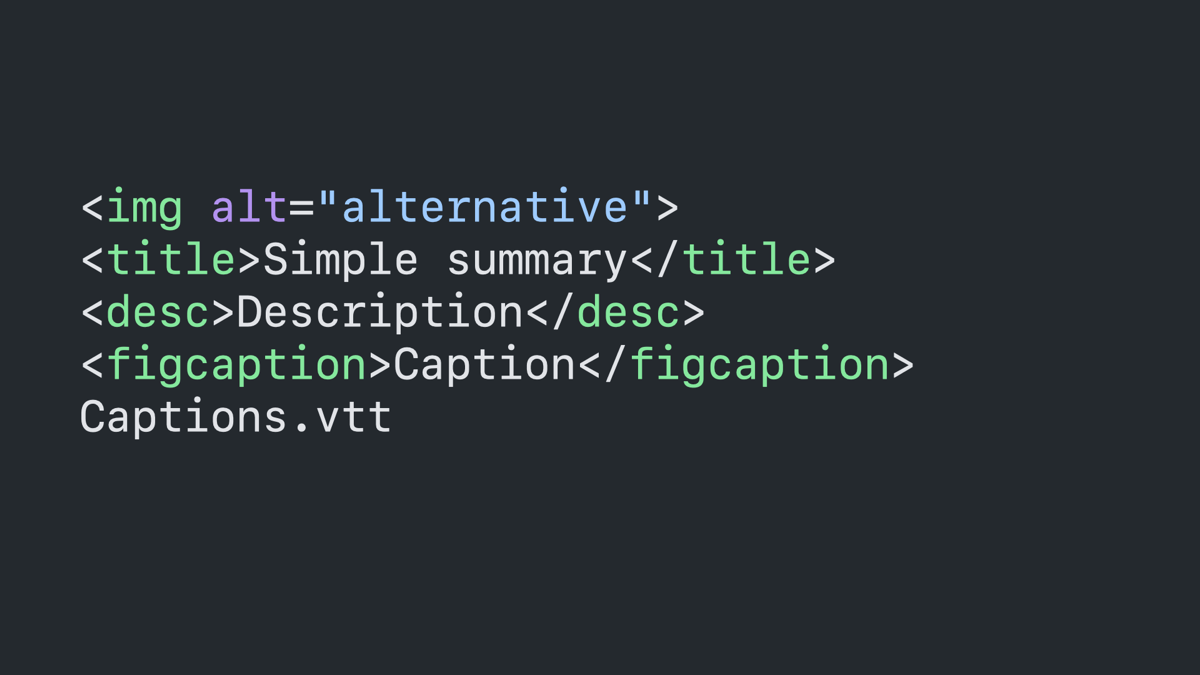
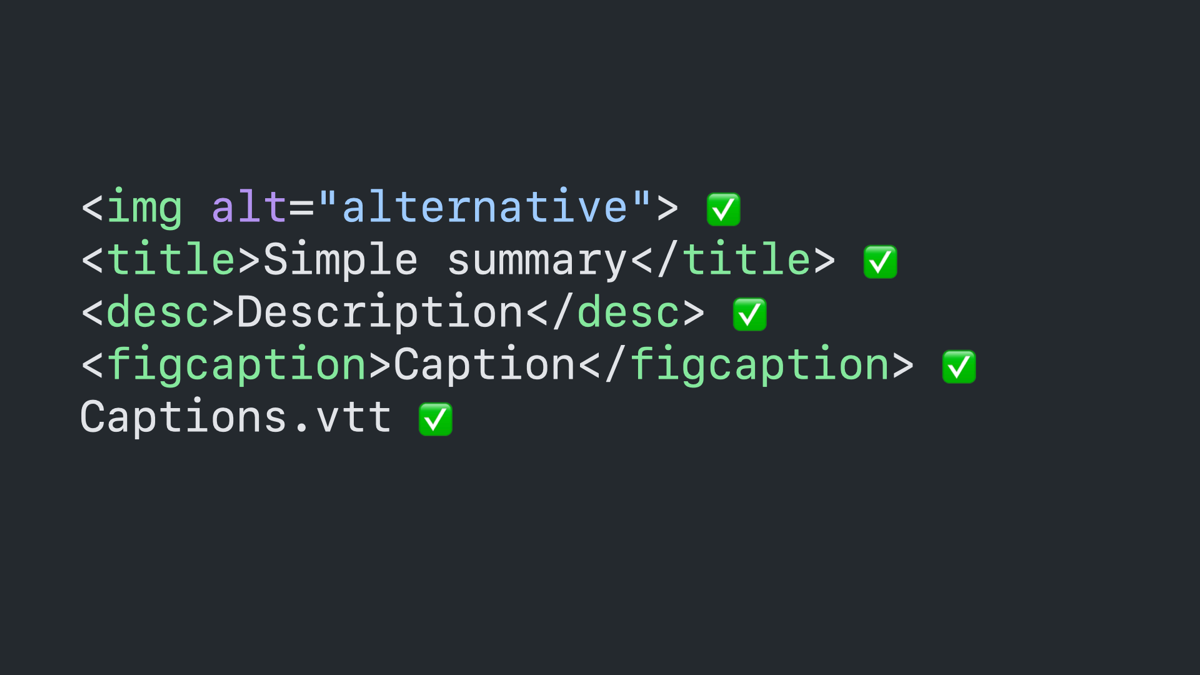
Code block: image tag with an alt attribute, title tag, description tag, figcaption tag, and .vtt file name.
Same code block as previous but with checkmark icons next to each.
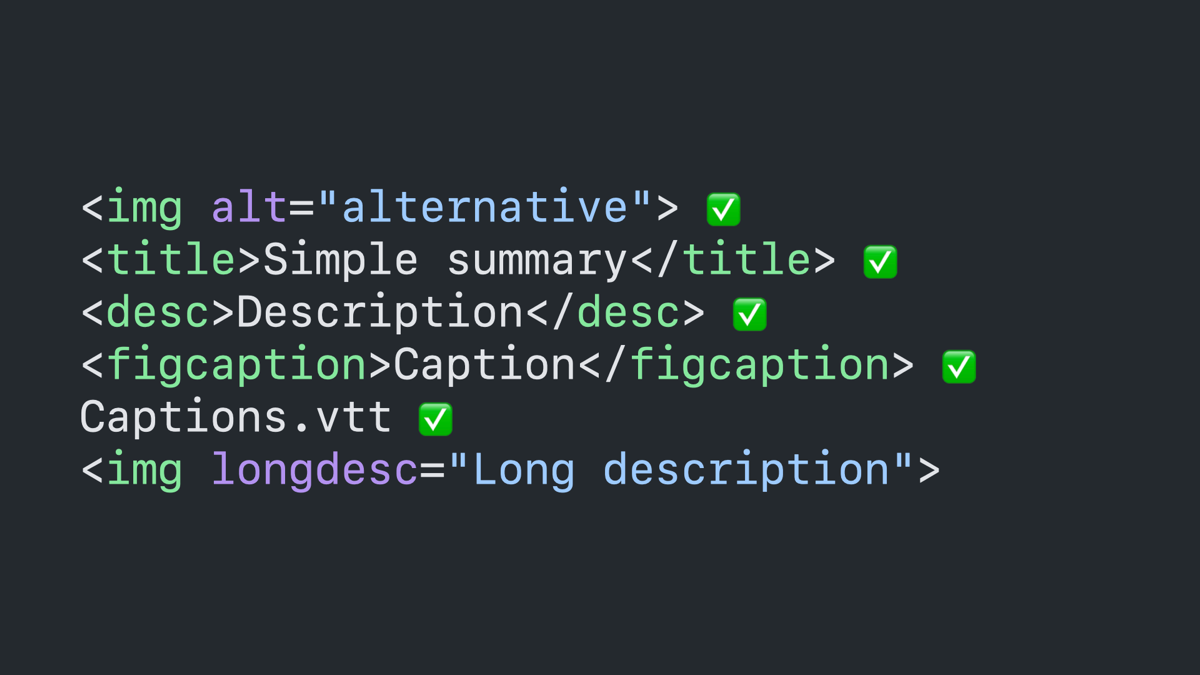
Same code block as previous with a new image tag that includes a long description attribute.
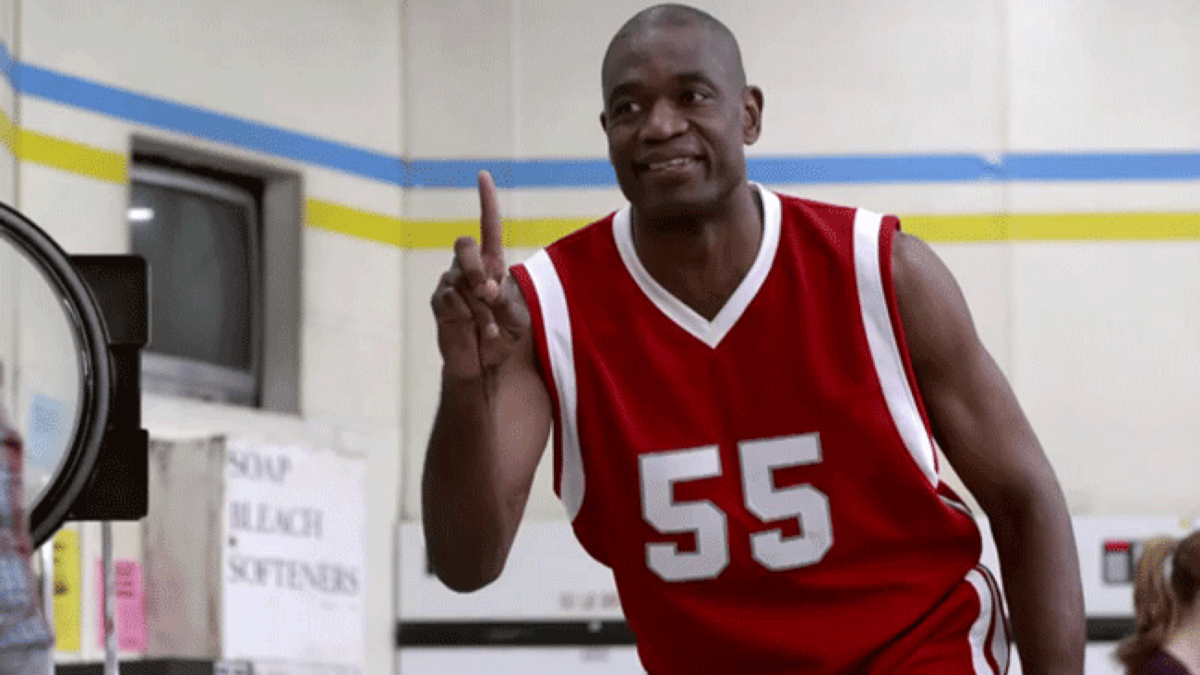
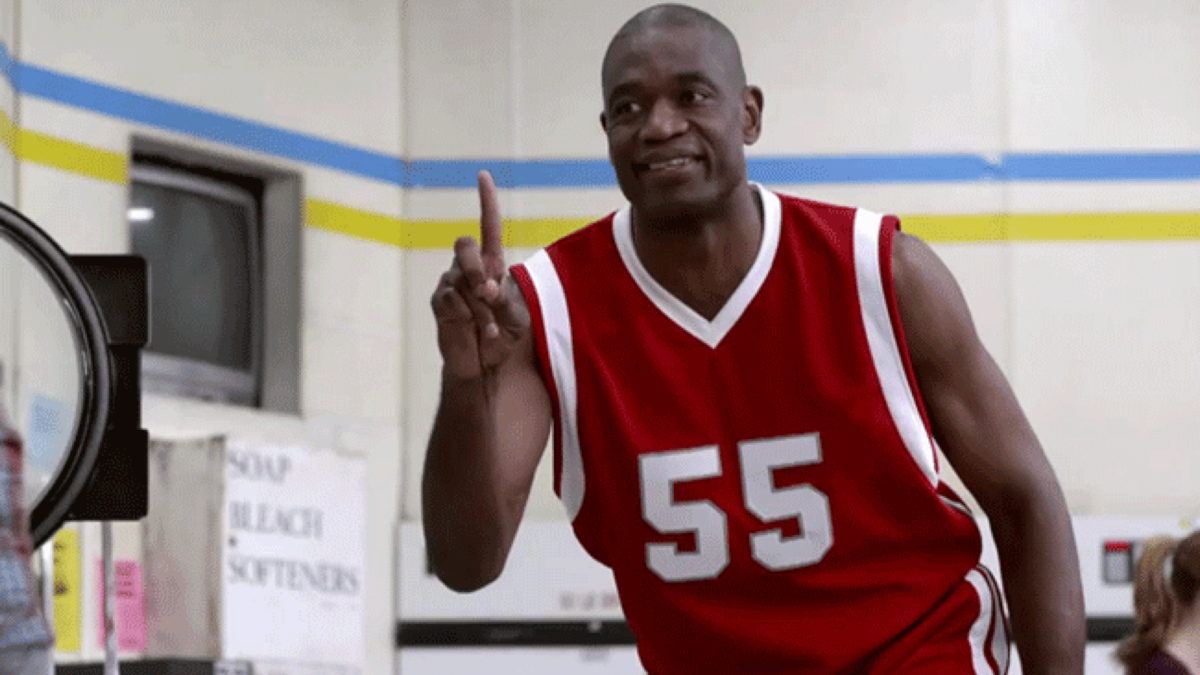
Basketball player Dikembe Mutumbo grinning and waving his finger in denial.
More lies.
I love the alt tag.
Even more lies.
Tell them it’s an attribute, not a tag.
Final level set: don’t forget about braille readers.
They’re not the same as aural screen readers.
Screen readers are unpredictable and inconsistent.
Braille readers are predictable and consistent.
Alt text is for both. Remember this.
Notes about the purpose of alt text.
Duh. It’s for blind folks using screen readers.
Is it?
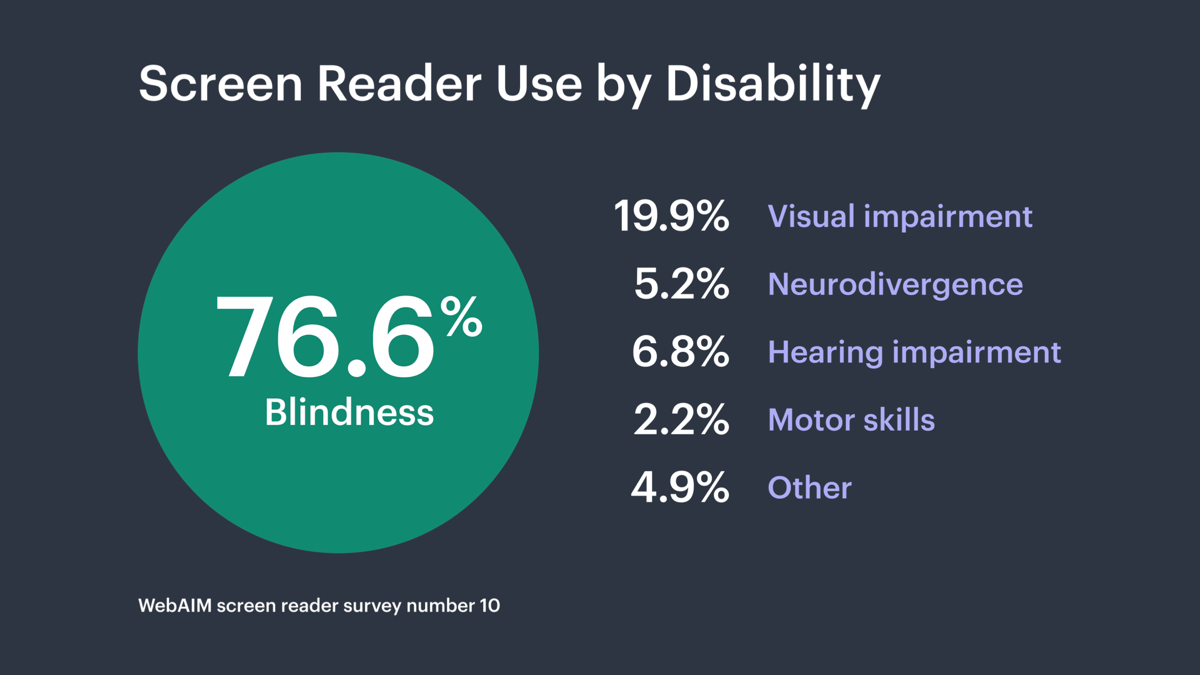
Chart for WebAIM survey showing screen reader use by disability. 76.6% blindness, 19.9% visual impairment, 5.2% neurodivergence, 6.8% hearing impairment, 2.2% motor skills, 4.9% other.
Situational accommodations.
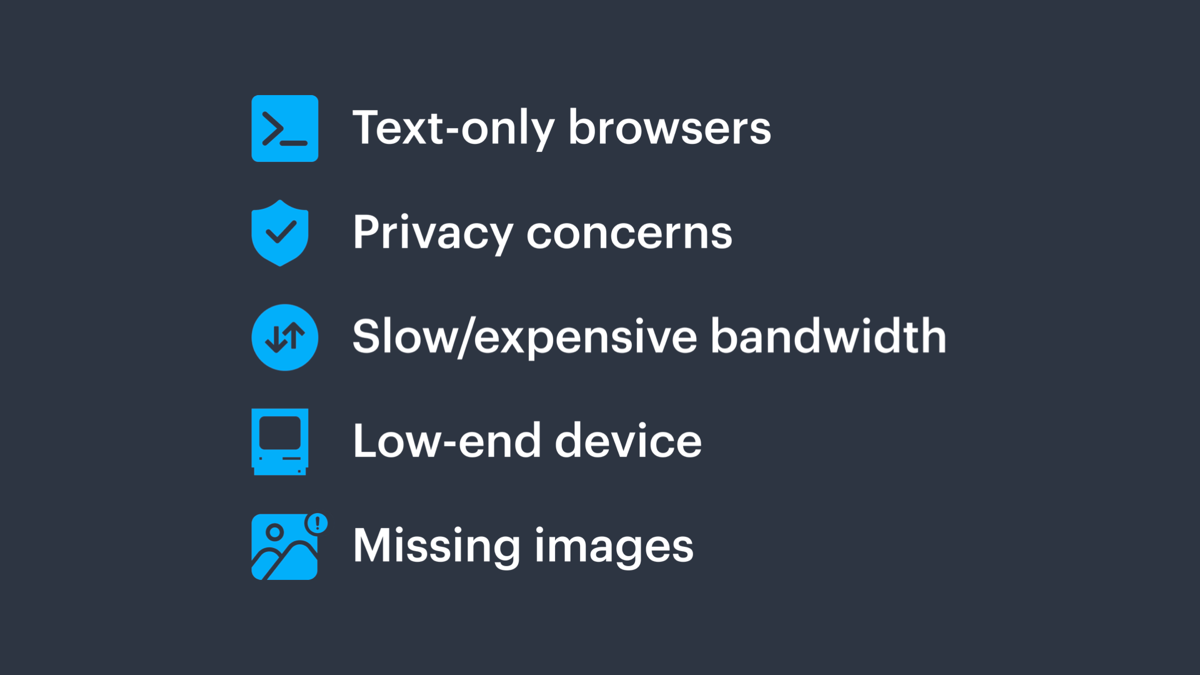
Text only browsers, privacy concerns, slow/expensive bandwidth, low-end devices, missing images.
Alt text is also not for some things.
Lying liars tell you that alt text is for search engines.
Basketball player Dikembe Mutumbo grinning and waving his finger in denial.
It’s not. Tell your friends.
Alt text is for people, not capitalism.
A vast ocean seascape with the text: “Decision tree. The when, what, and how.”
When.
Functional, informative, or decorative?
For functional images, yes.
Social media reaction icons for reply, boost, and favorite. Each is paired with a count.
For informative images, yes.
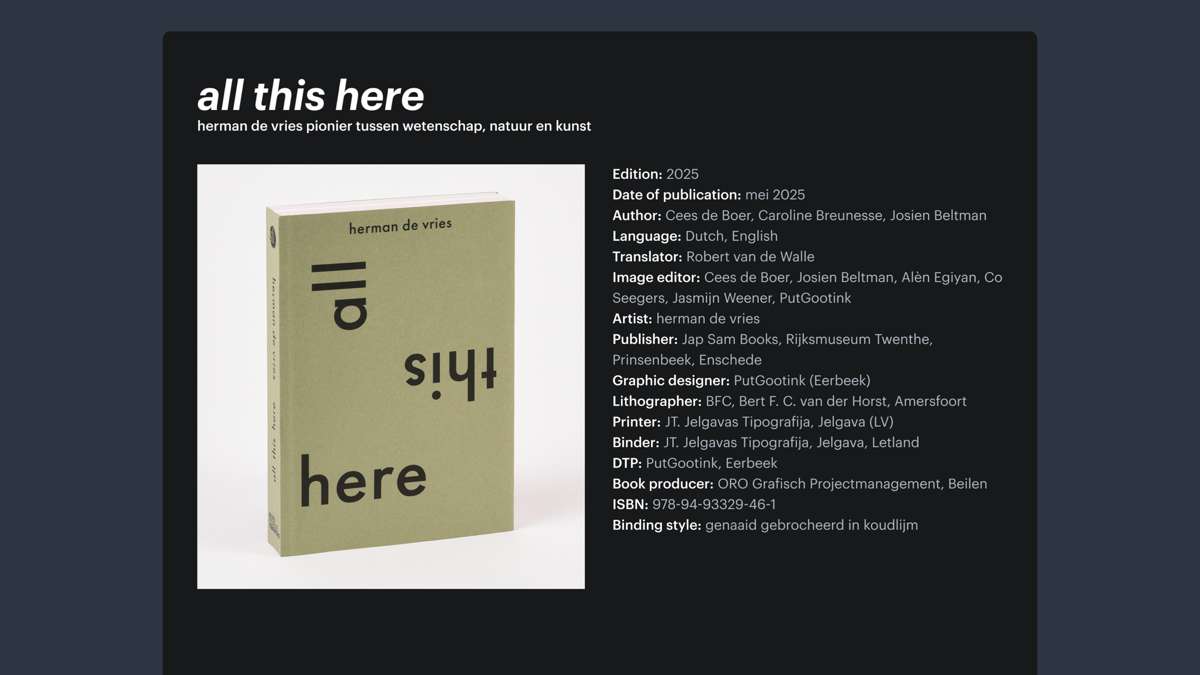
Book cover on a mock web page, surrounded by a title, description, and metadata.
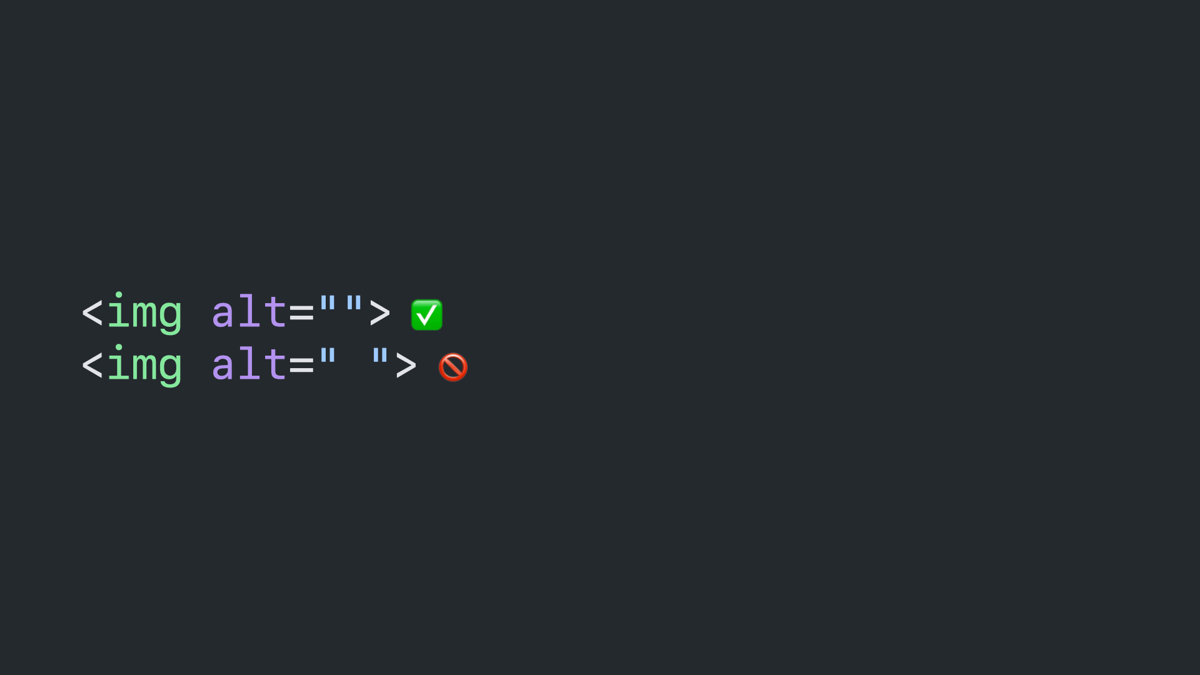
For decorative images, no.
Delete button with a trash icon.
Code block: image tages with alt attributes, one empty and one with a space as the value.
Is it paired with a figcaption? Maybe.
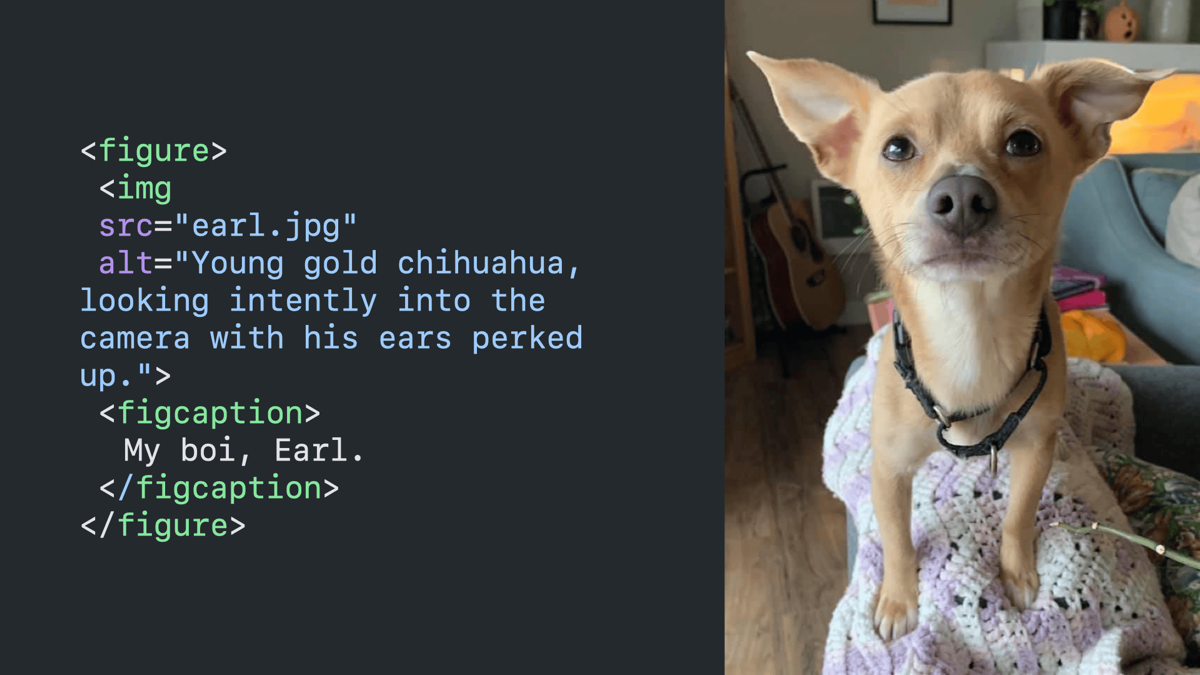
Code block paired with a photo of a dog that it is describing. It shows a figure tag with a figcaption that reads “my boi, Earl,” and an image tag with an alt attribute that reads “young gold chihuahua, looking intently into the camera with his ears perked up.”
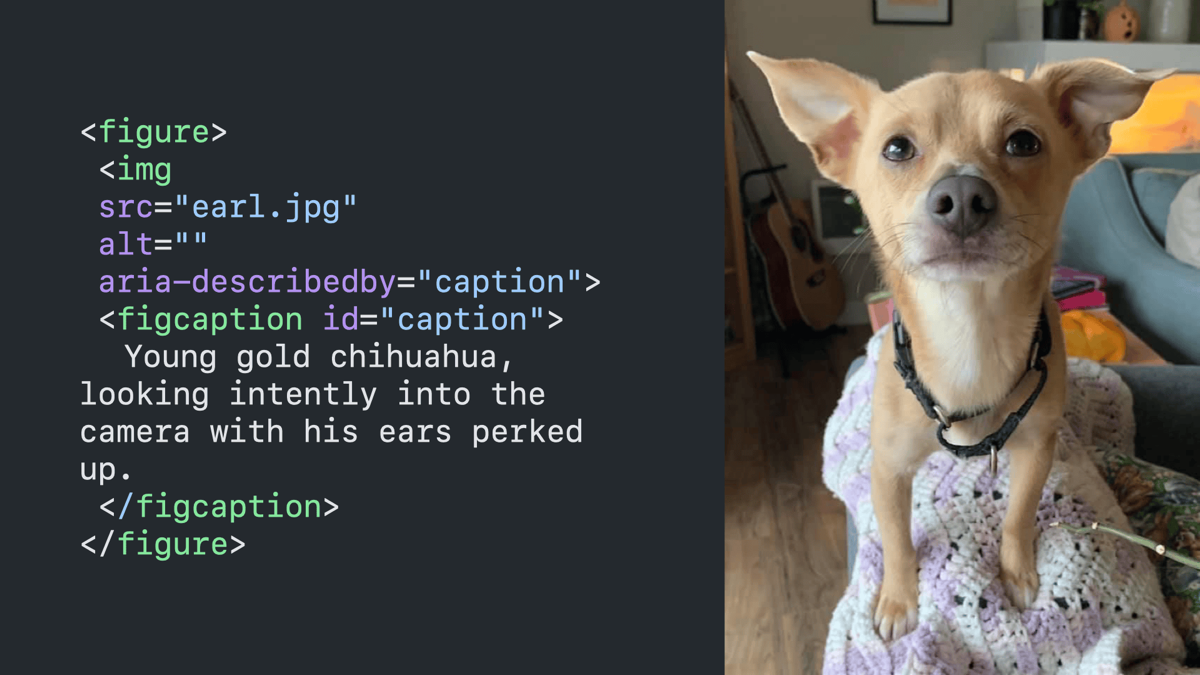
Same slide as previous with the alt text moved into the figcaption, the alt attribute emptied, and an aria-describedby attribute added that points to the figcaption.
Then why a figcaption?
What.
Context. Avoid redundancy.
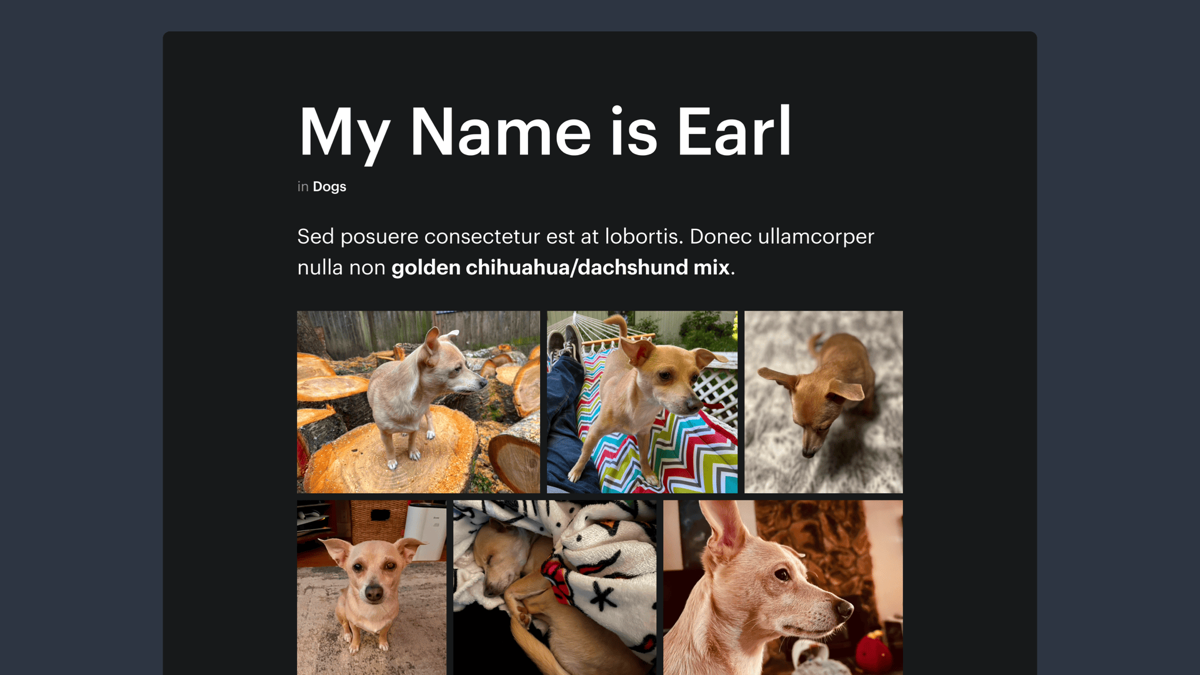
Mock photo gallery with the title “My Name is Earl.” It shows a description of the dog that is featured in all of the gallery images with highlighted text that reads “golden chihuahua/dachshund mix.”
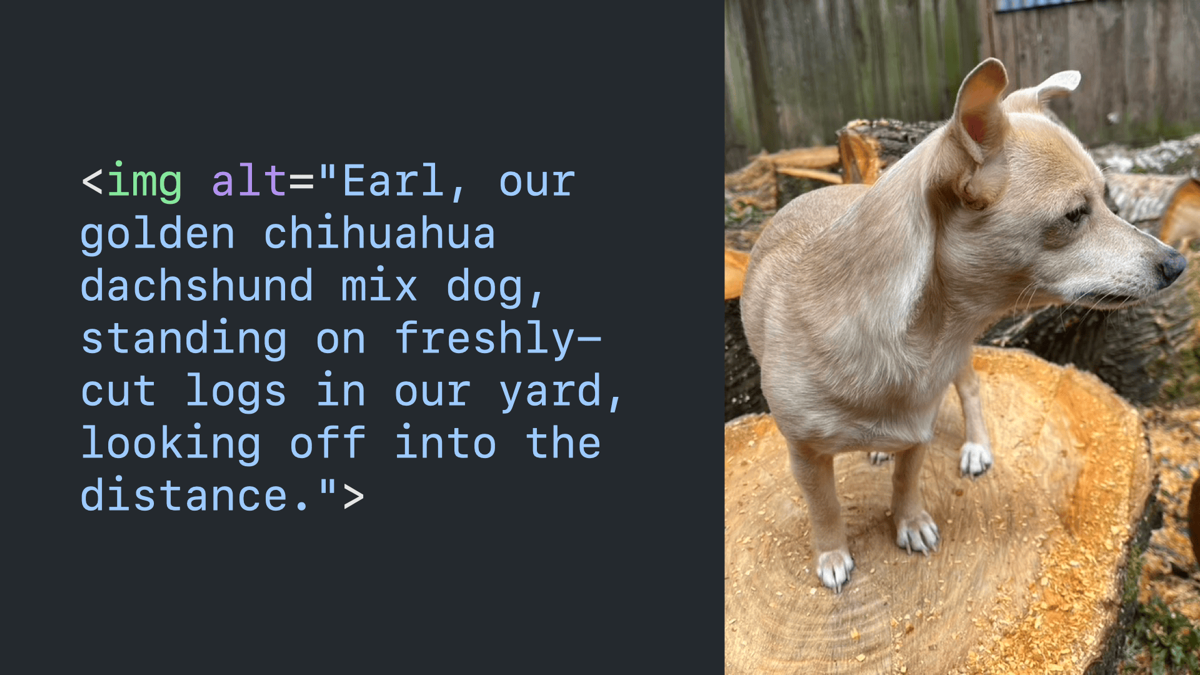
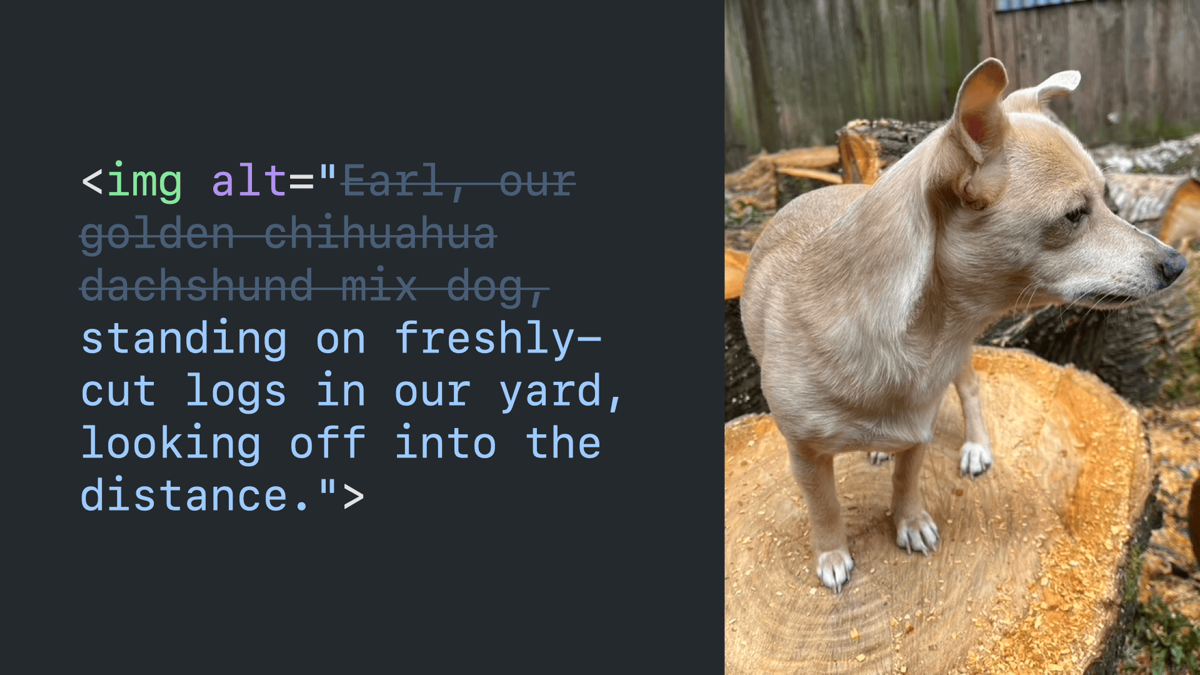
Code block paired with an image of a dog that it’s describing with alt text that reads “Earl, our golden chihuahua mix dog, standing on freshly-cut logs in our yard, looking off into the distance.”
Same as previous with the text “Earl, our golden chihuahua mix dog” faded out with a strikethrough.
Context. Avoid duplication.
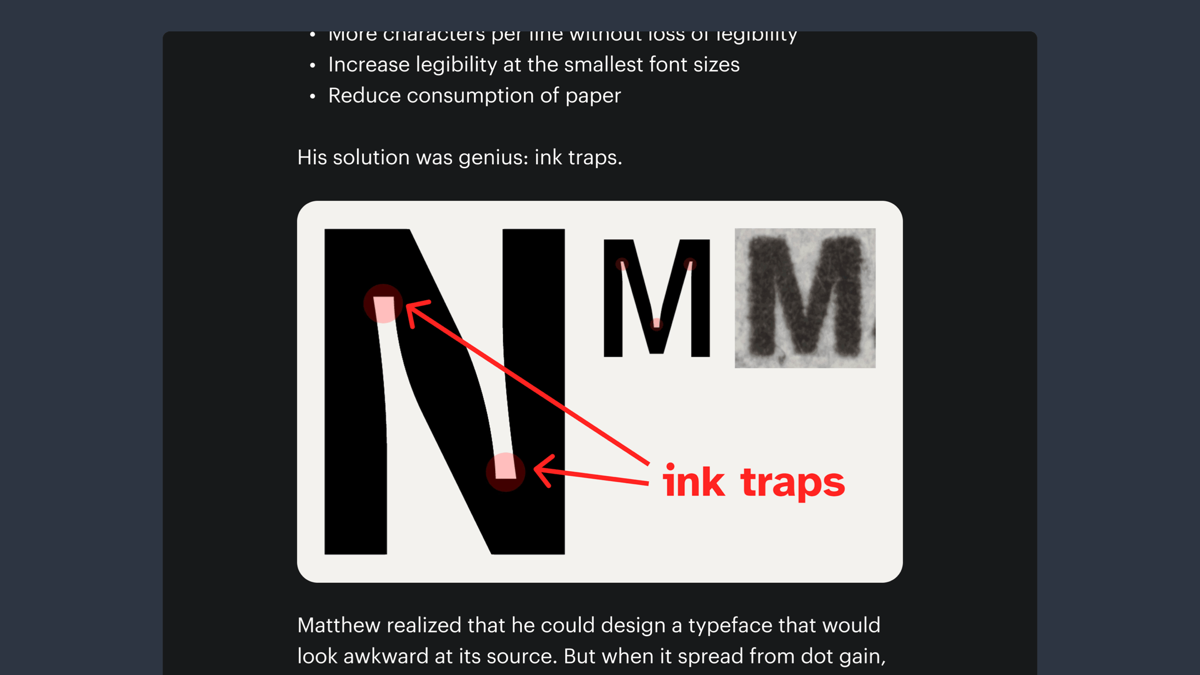
Mock website article featuring an image described on the next slide.
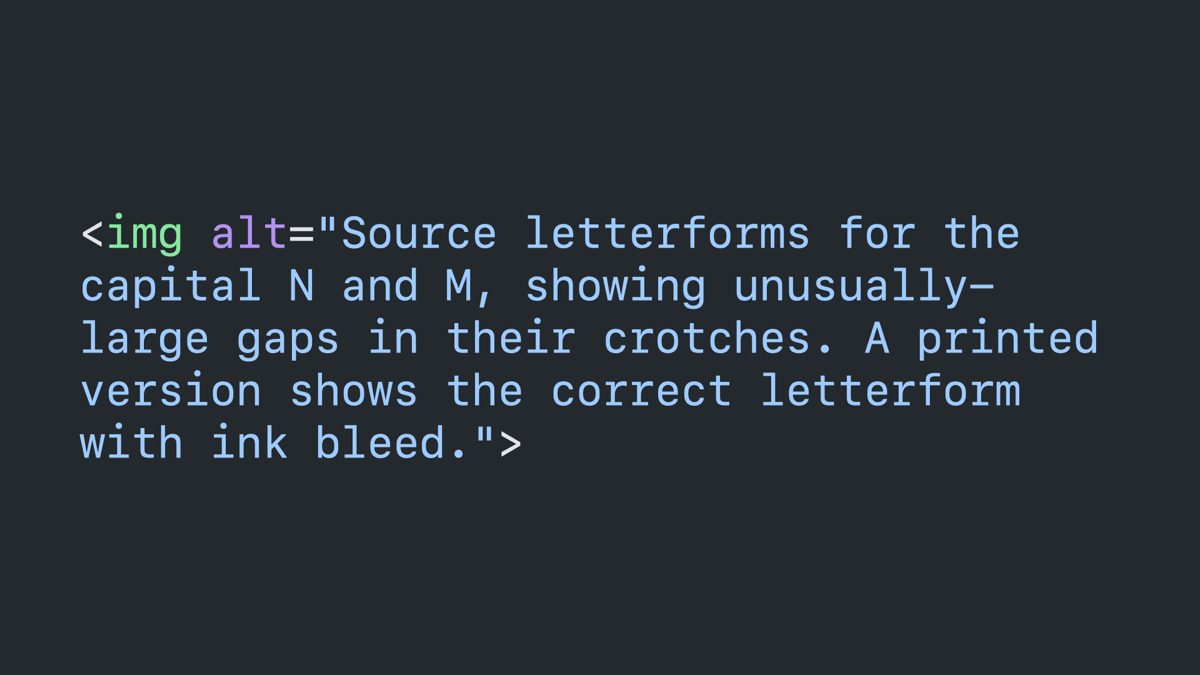
Clode block: image tag with an alt attribute that reads “source letterforms for the capital N and M, showing unusually-large gaps in their crotches. A printed version shows the correct letterform with ink bleed.”
Image role.
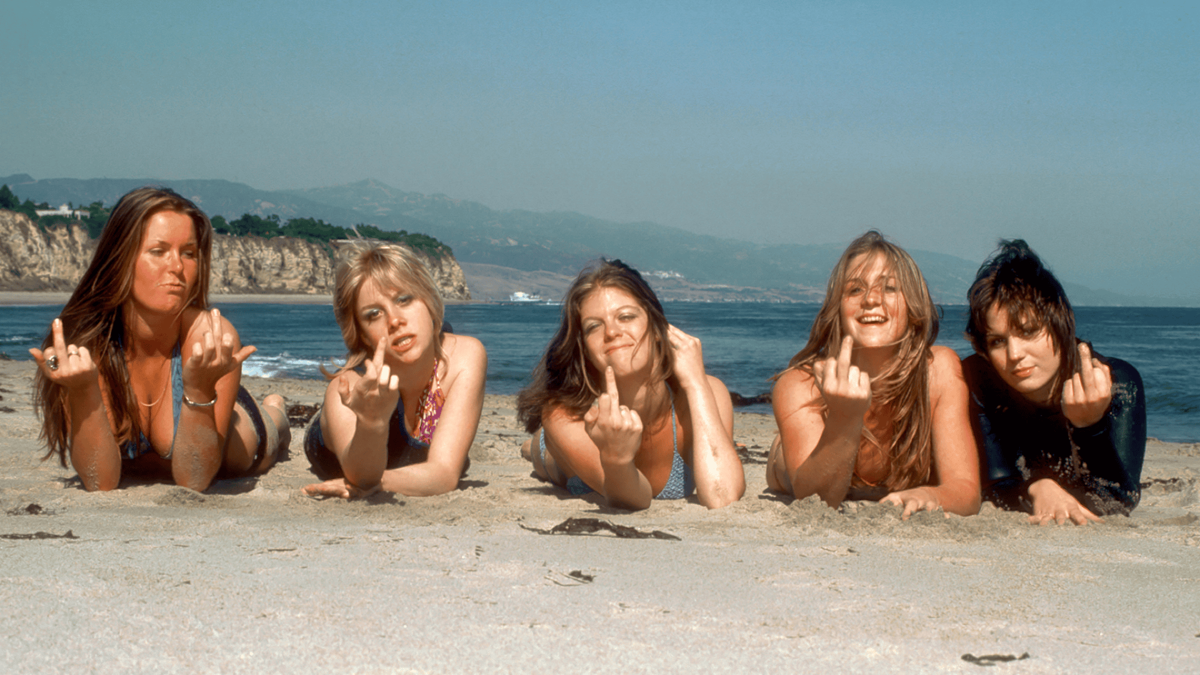
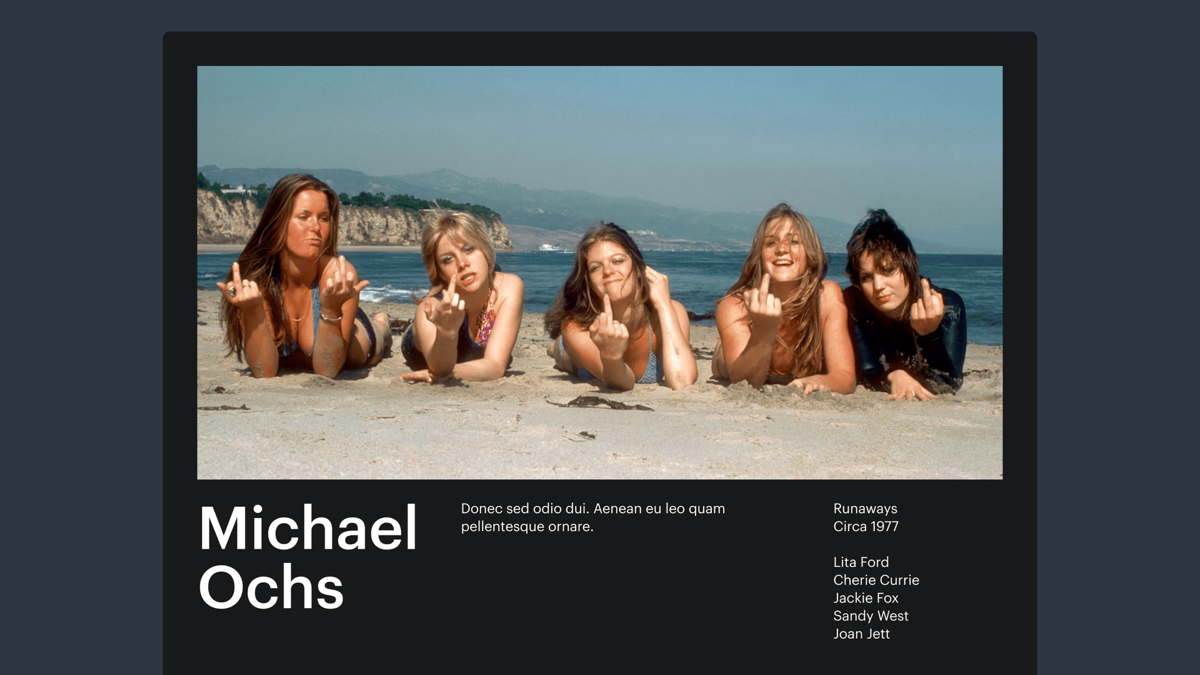
Sample photo of the band The Runaways described in the coming slides.
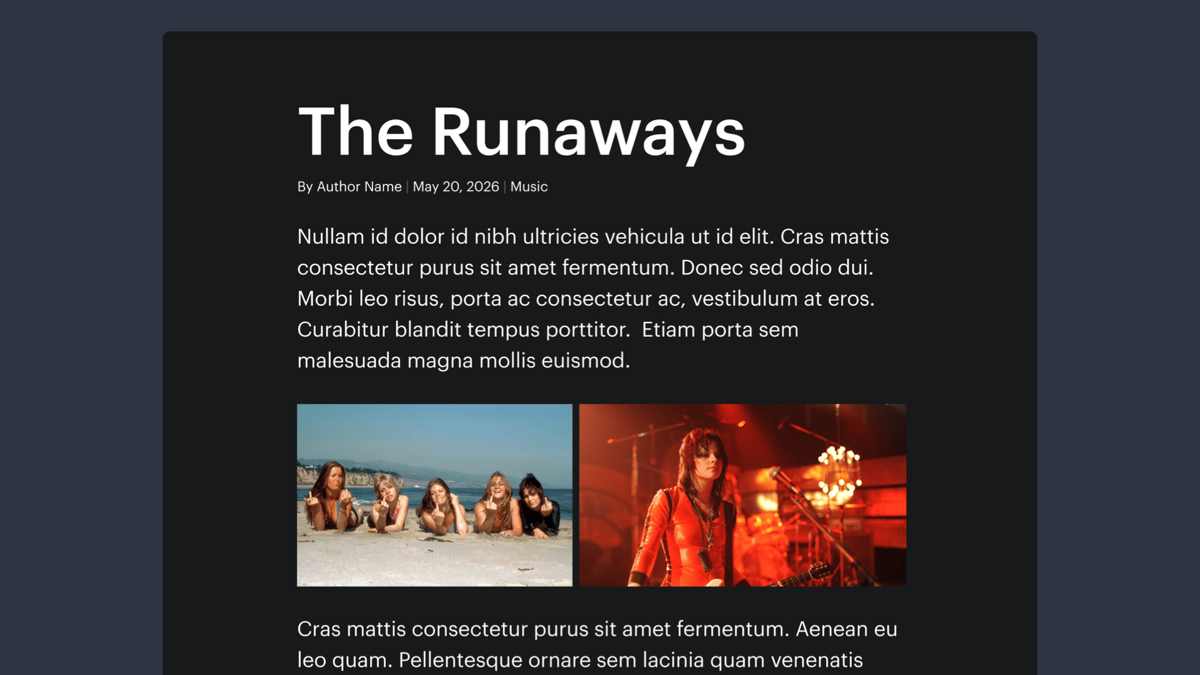
Mock website article with the title “The Runaways.” It features the image from the previous slide, which is described in the coming slides.
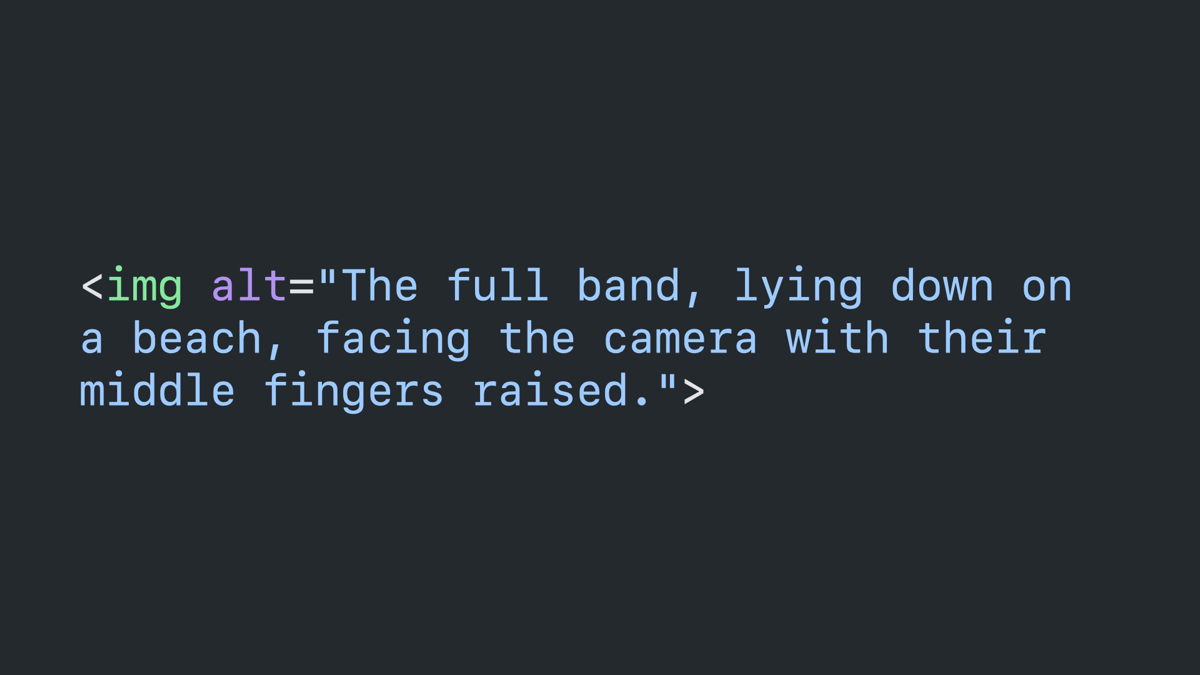
Code block: image with an alt attribute that reads “The full band, lying down on a beach, facing the camera with their middle fingers raised.”
Mock photography website for Michael Ochs, featuring the same band photo with a description and metadata.
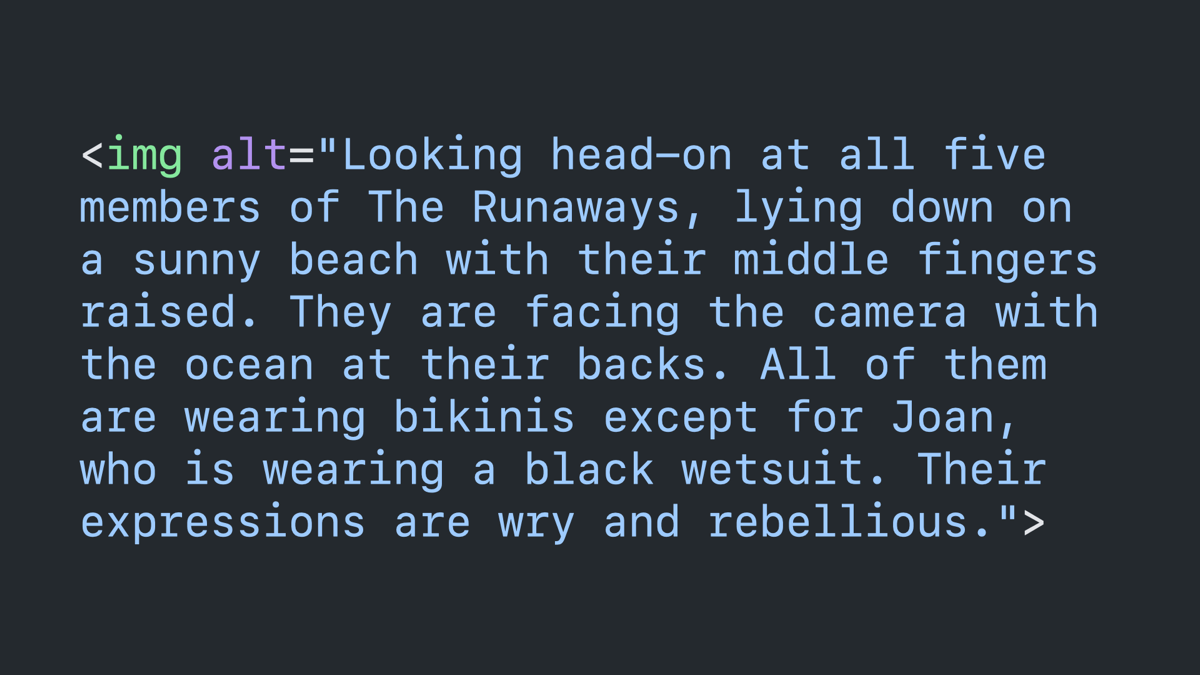
Code block: image tag with an alt attribute that reads “Looking head-on at all five members of The Runaways, lying down on a sunny beach with their middle fingers raised. They are facing the camera with the ocean at their backs. All of them are wearing bikinis except for Joan, who is wearing a black wetsuit. Their expressions are wry and rebellious.”
Text seen in a photograph.
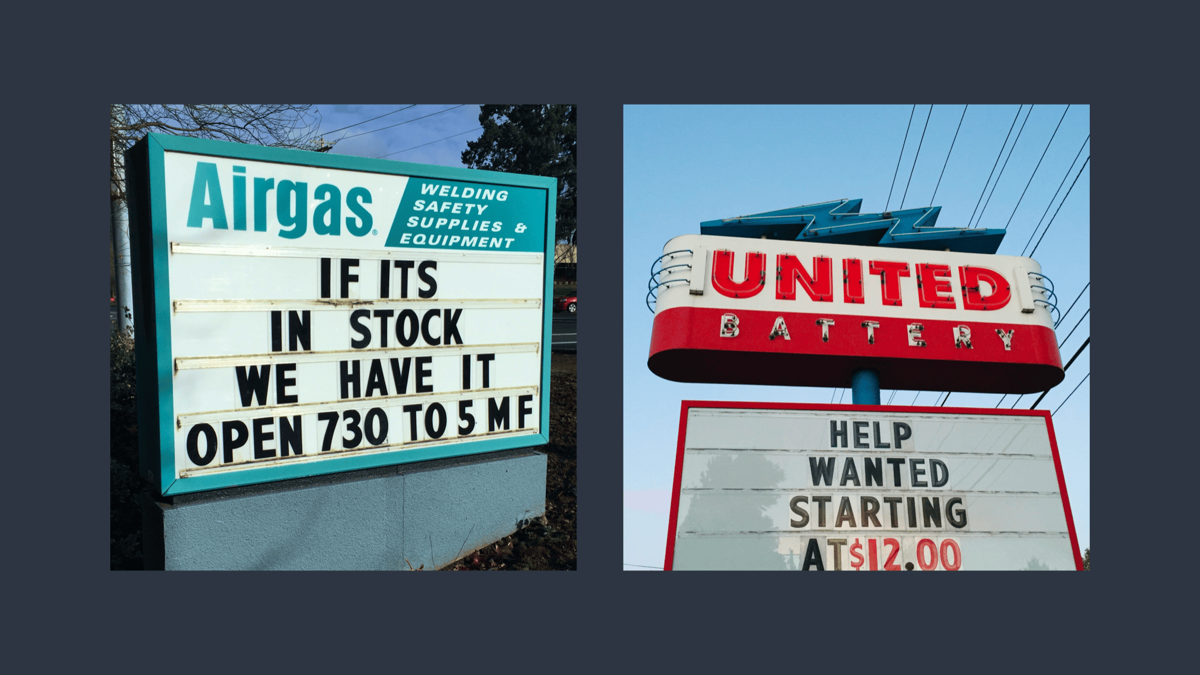
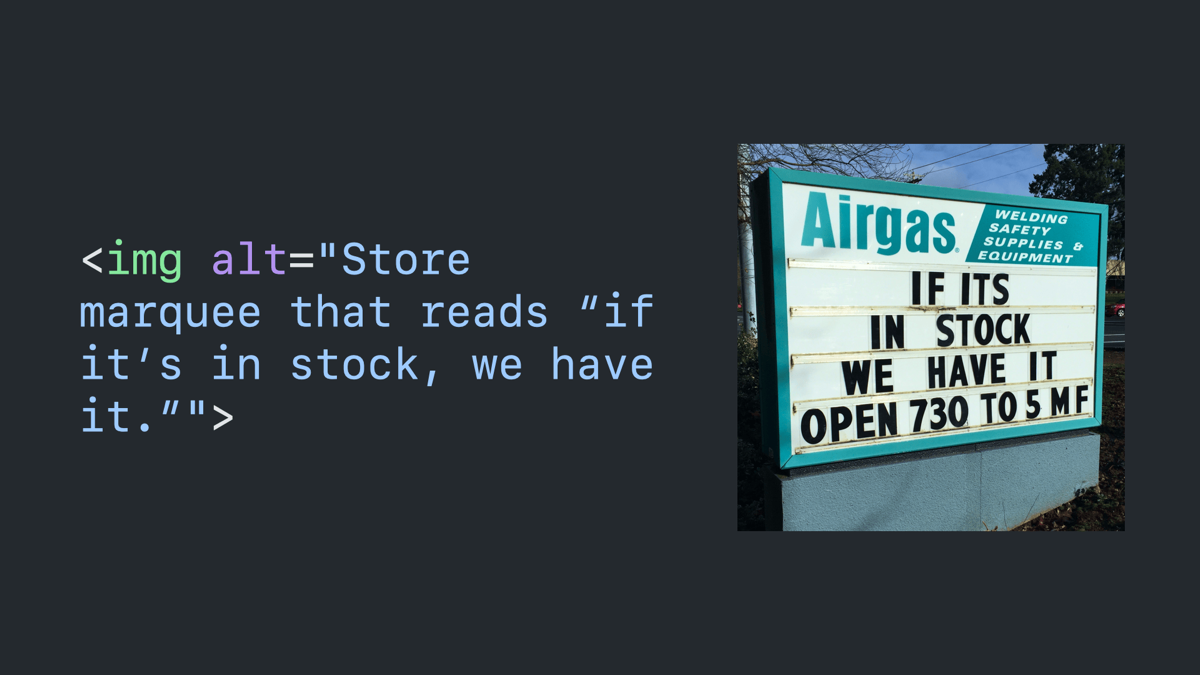
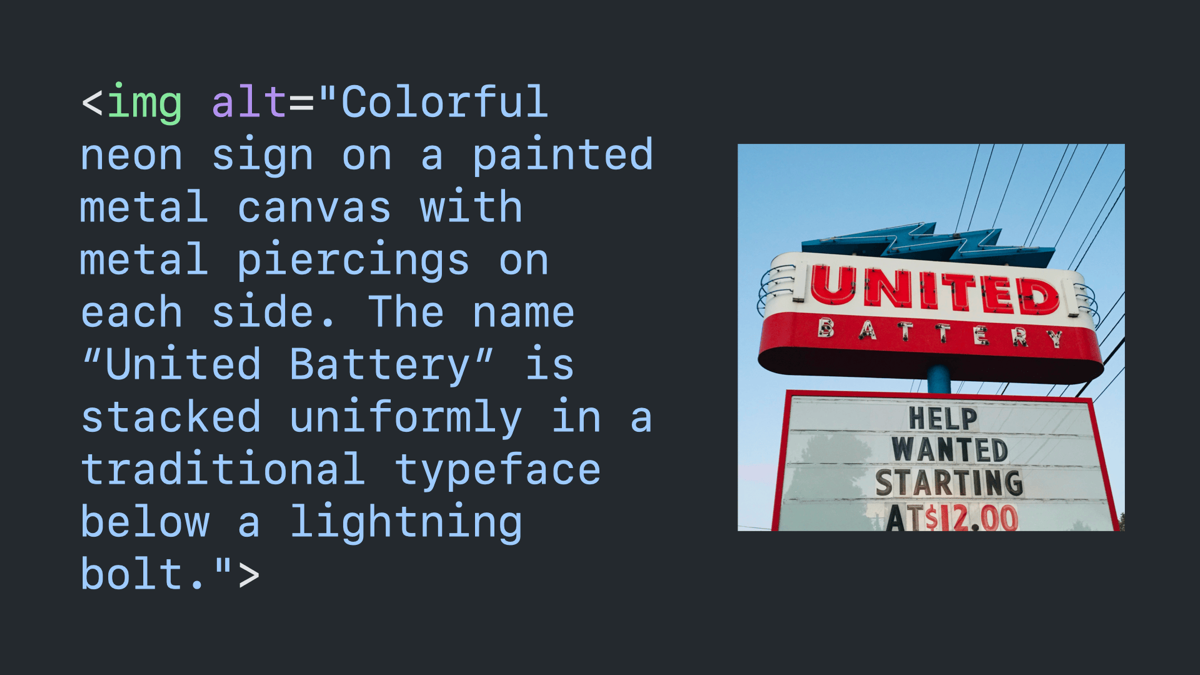
Two photos, side-by-side, to be described in the coming slides.
Code block paired with the first photo: image tag with an alt attribute that reads “store marquee that reads ‘if it’s in stock, we have it.‘”
Code block paired with the second photo: image tag with an alt attribute that reads “colorful neon sign on a painted metal canvas with metal piercings on each side. The name United Battery is stacked uniformly in a traditional typeface below a lightning bolt.”
How.
Simple images.
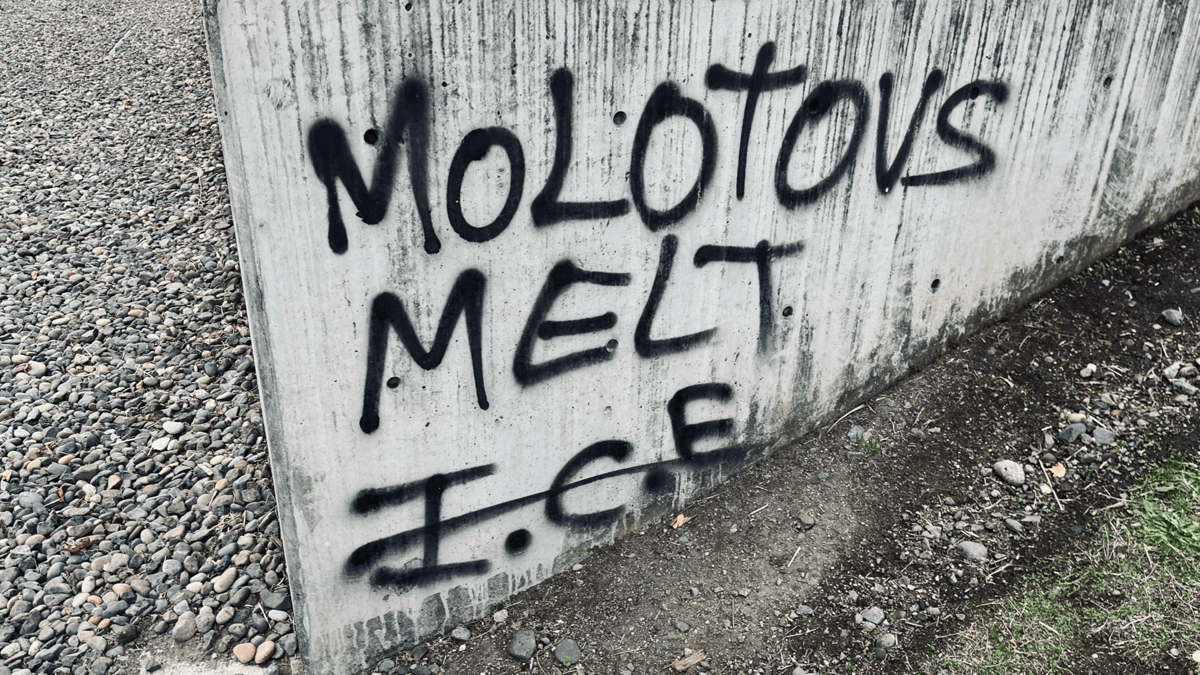
Sample photo described on the next slide.
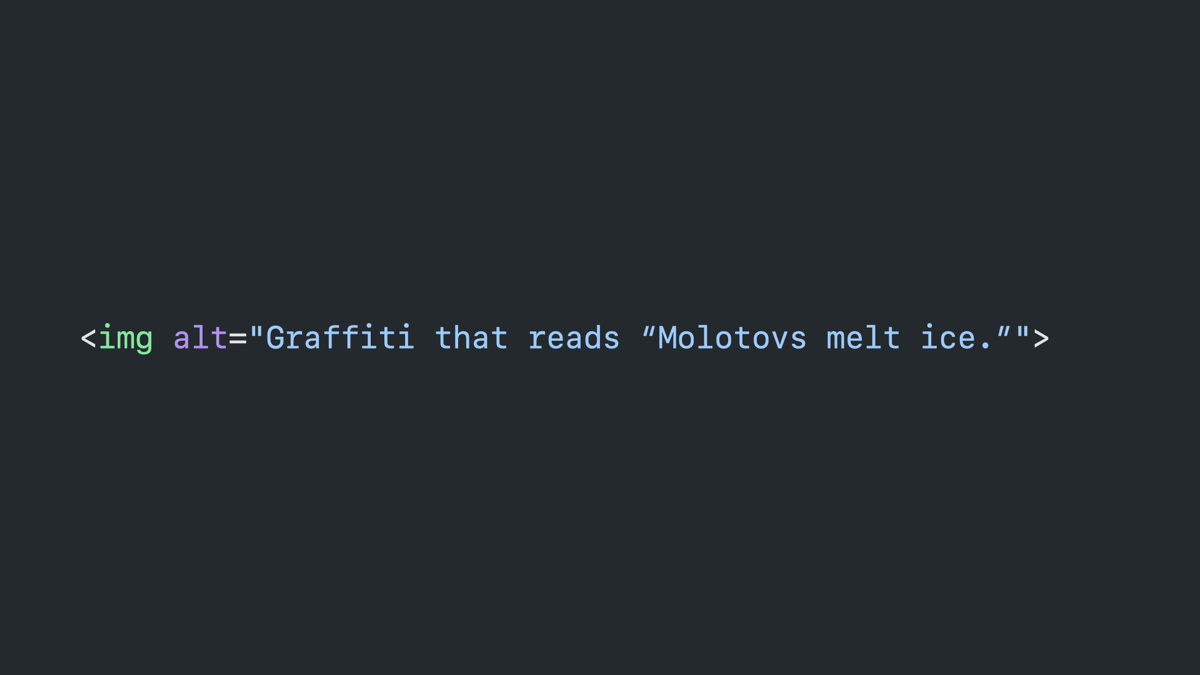
Code block: image tag with an alt attribute that reads “graffiti that reads ‘molotovs melt ice.’”
Detailed images.
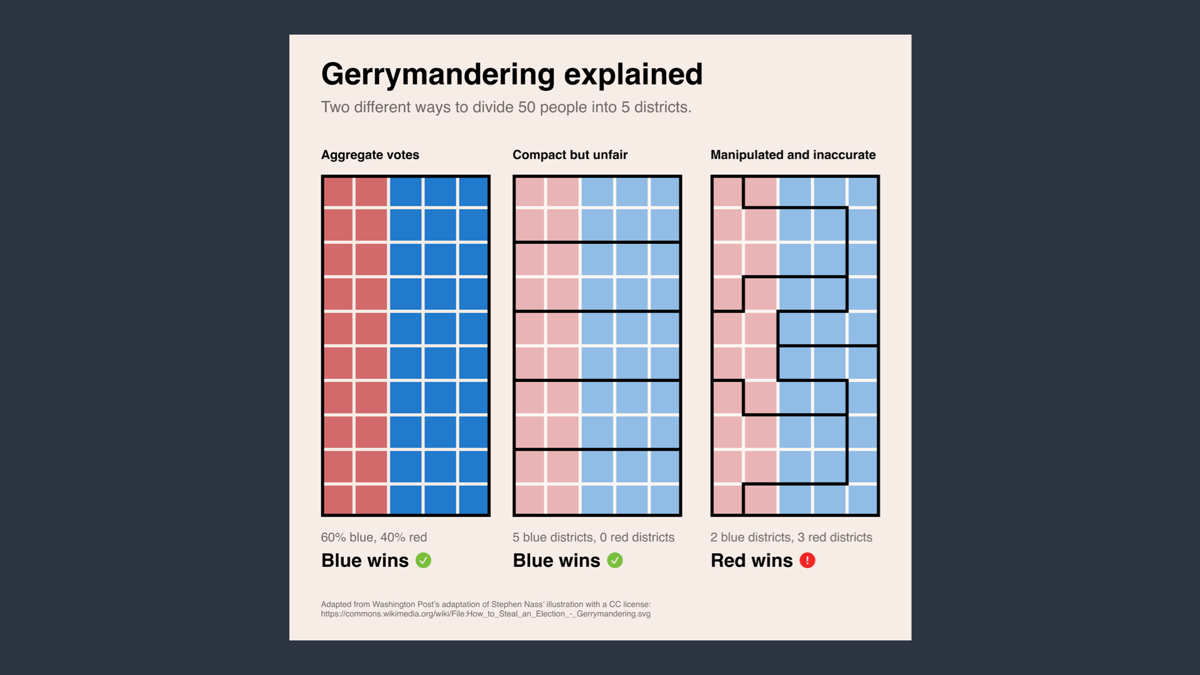
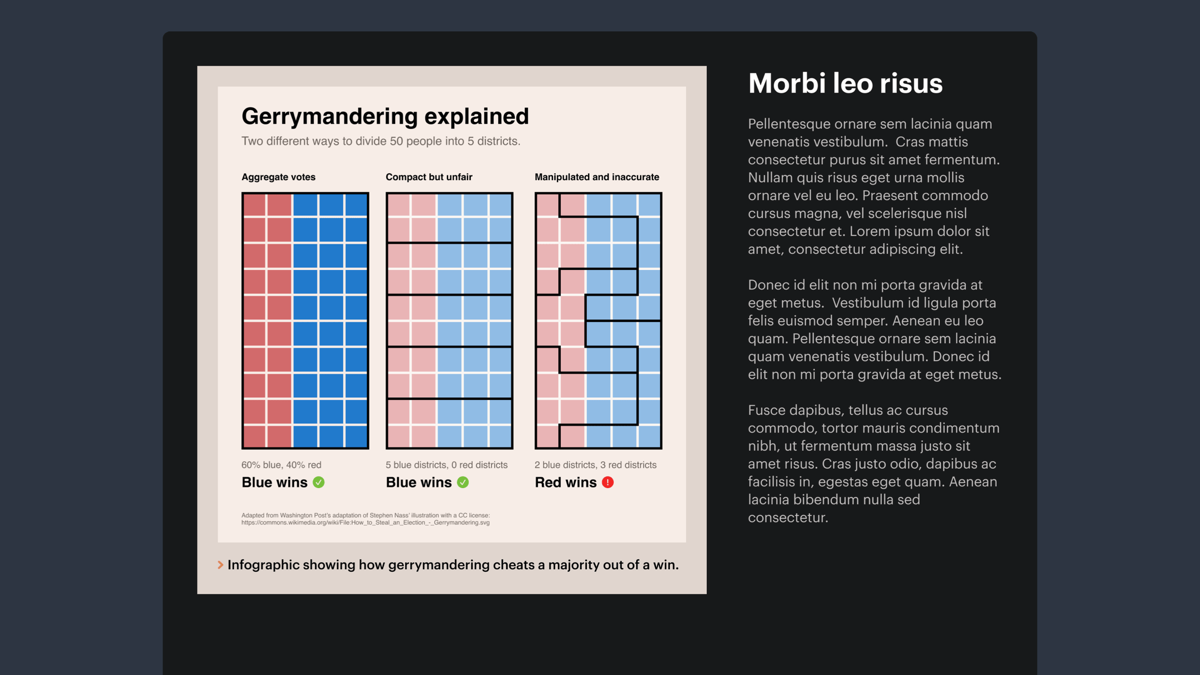
Complicated sample image of an infographic about gerrymandering described in the next slide.
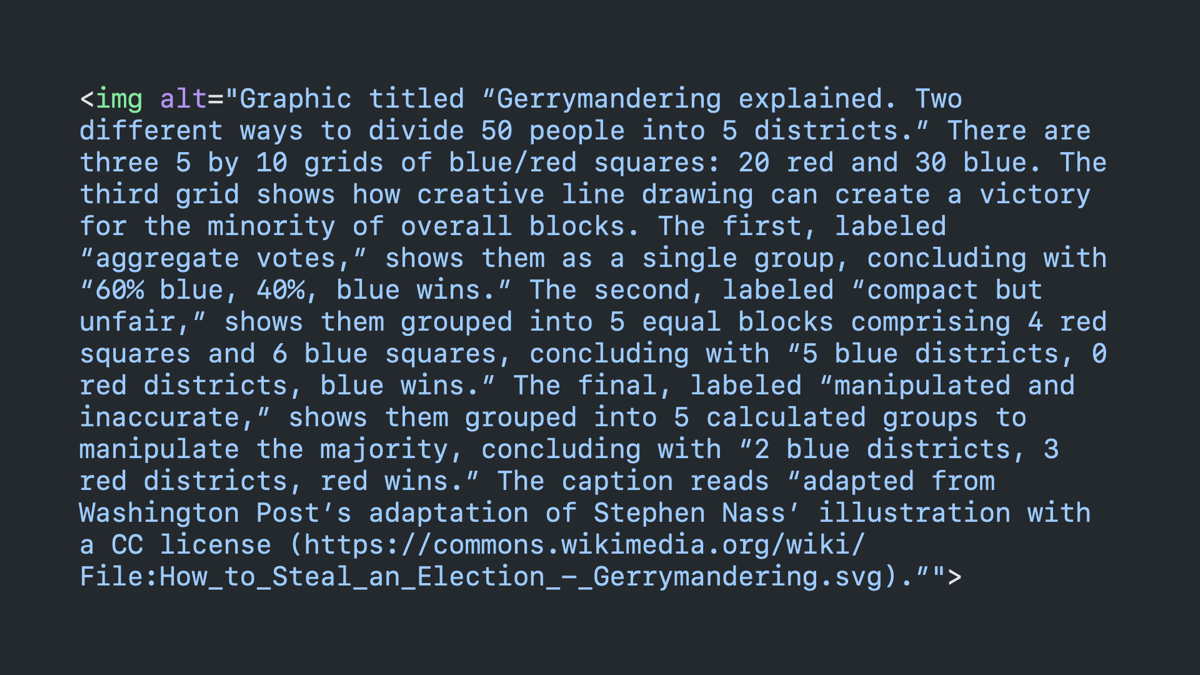
Code block: image with an alt attribute that is very long and complicated, covering the entire slide.
Lying liars tell you that longdesc is the answer.
Basketball player Dikembe Mutumbo grinning and waving his finger in denial.
It’s not. Tell your friends.
The details tag is the answer.
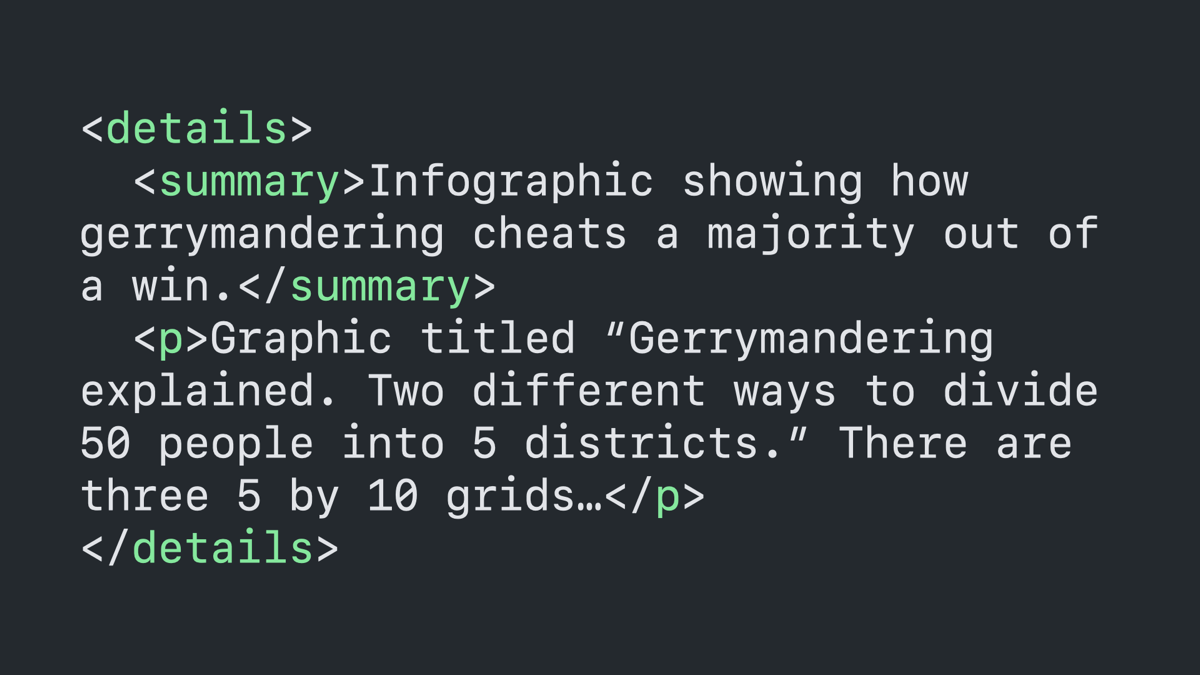
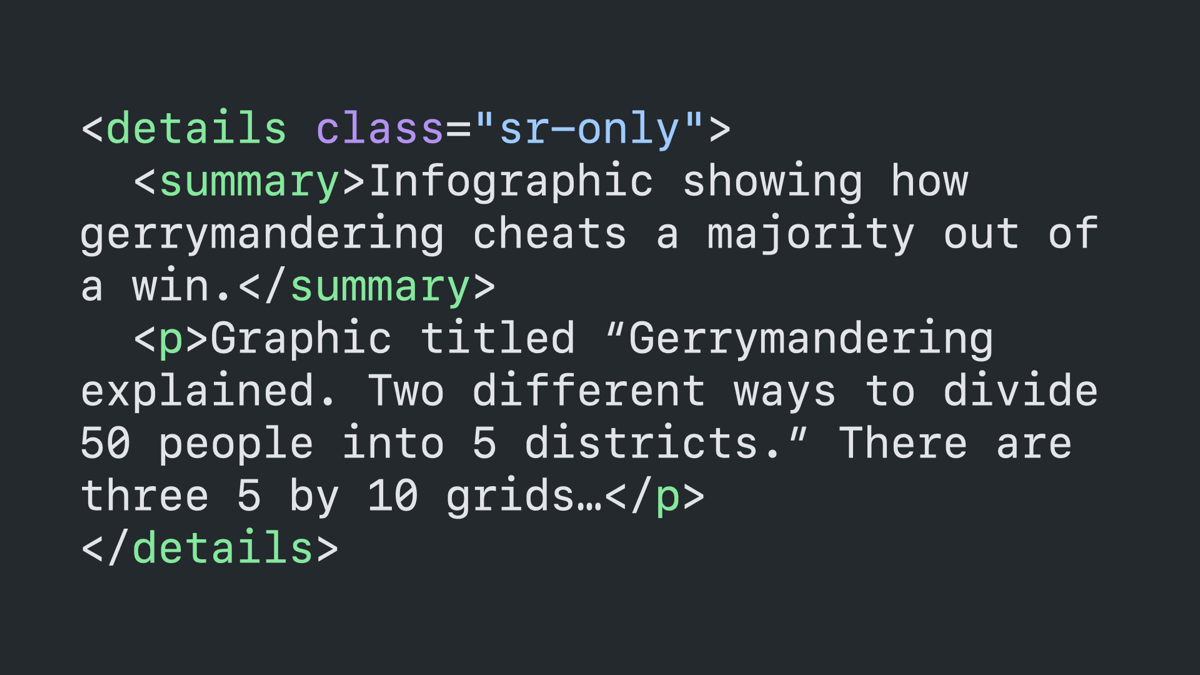
Code block: details tag with a summary tag that reads “Infographic showing how gerrymandering cheats a majority out of a win,” followed by a paragraph tag that begins to describe the image, truncated with an ellipsis.
Mock website with the infographic, paired with website text and a details tag summary in view.
Same infographic code block with a class of “sr-only” applied to the details tag.
Grouped images.
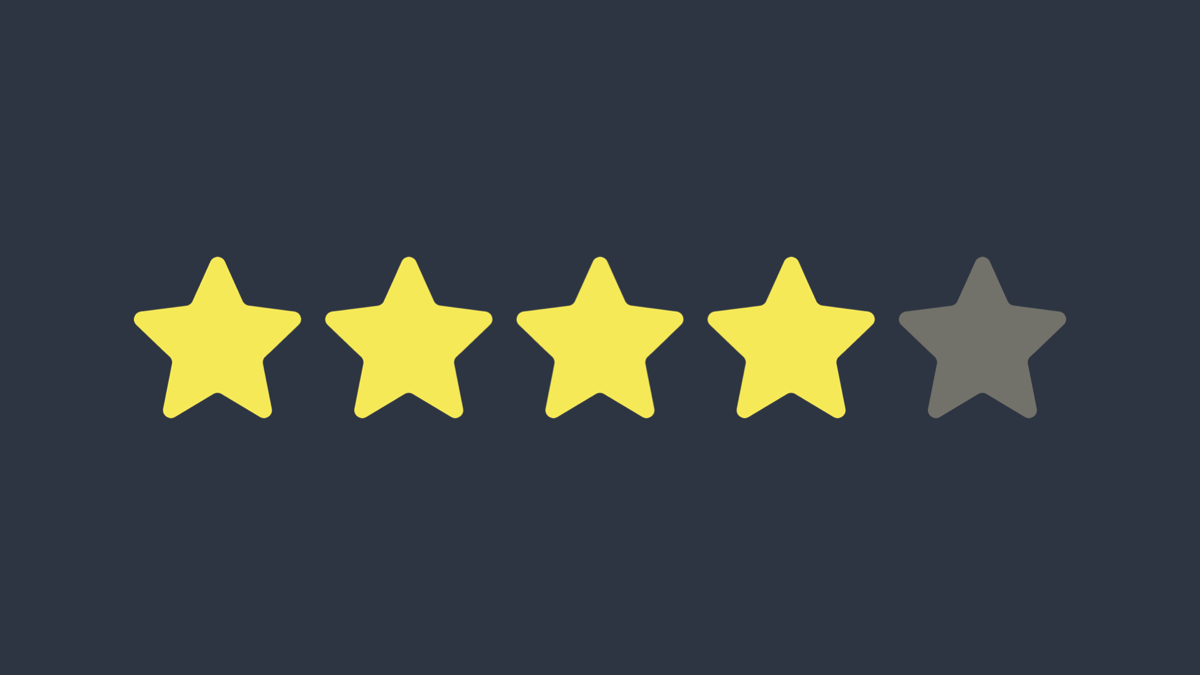
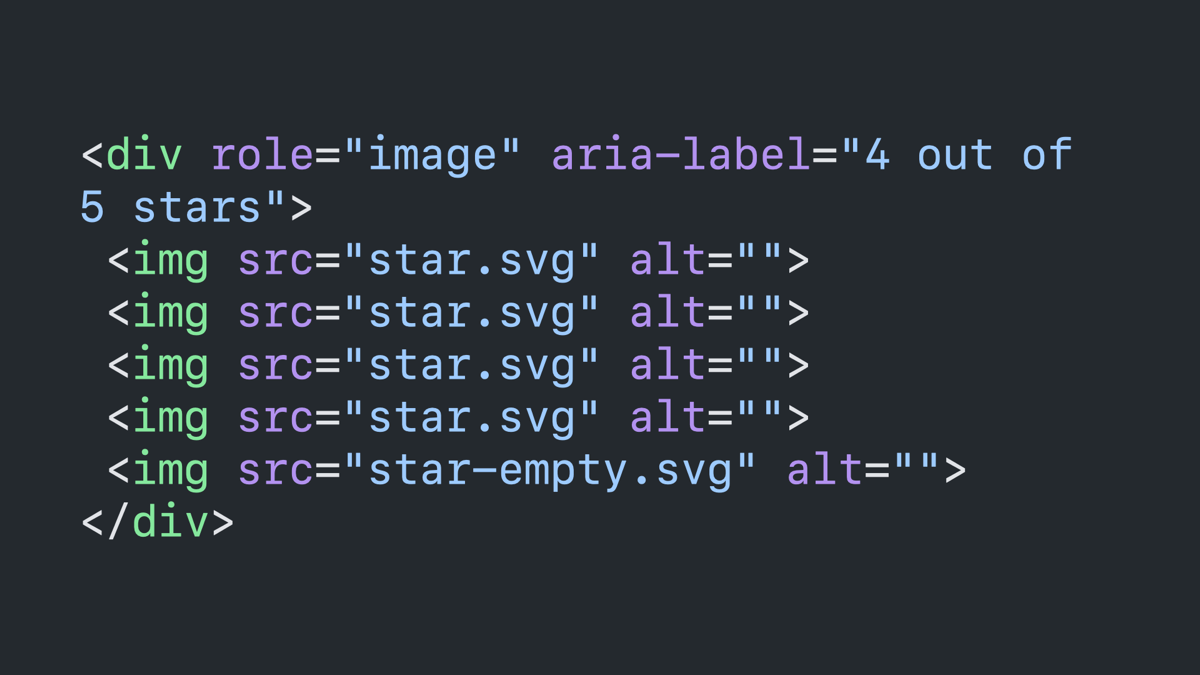
Sample image of five stars, with the first four highlighted.
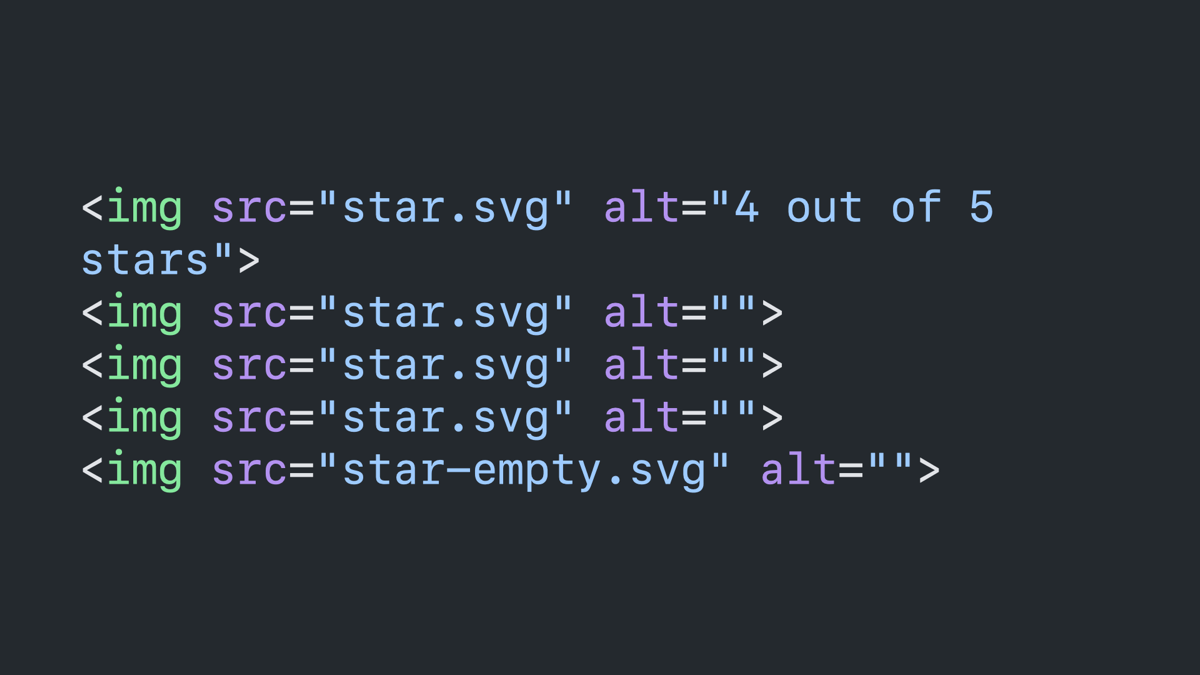
Code block: five image tags with empty alt attributes, except for the first which reads “4 out of 5 stars.”
The same code block inside of a div tag with a role of image and an aria-label with the previous description, and all images with empty alt attributes.
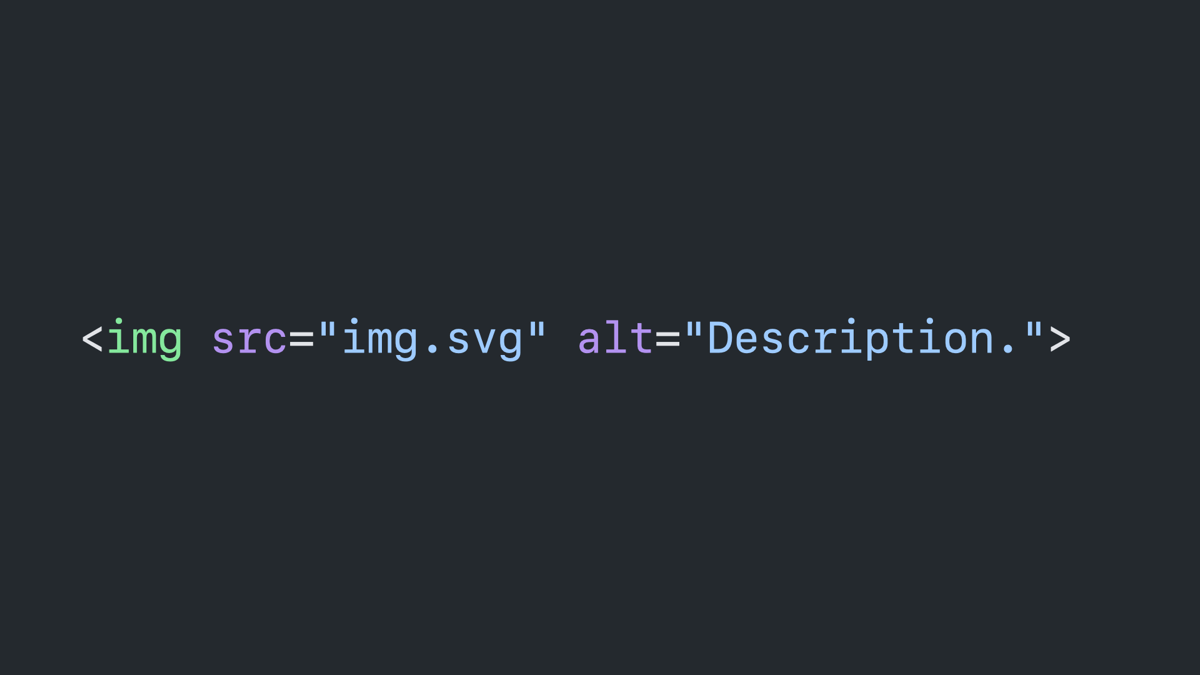
Linked SVG images.
Code block: image tag with a source of img.svg and an alt attribute readins “description.”
Embedded SVG images.
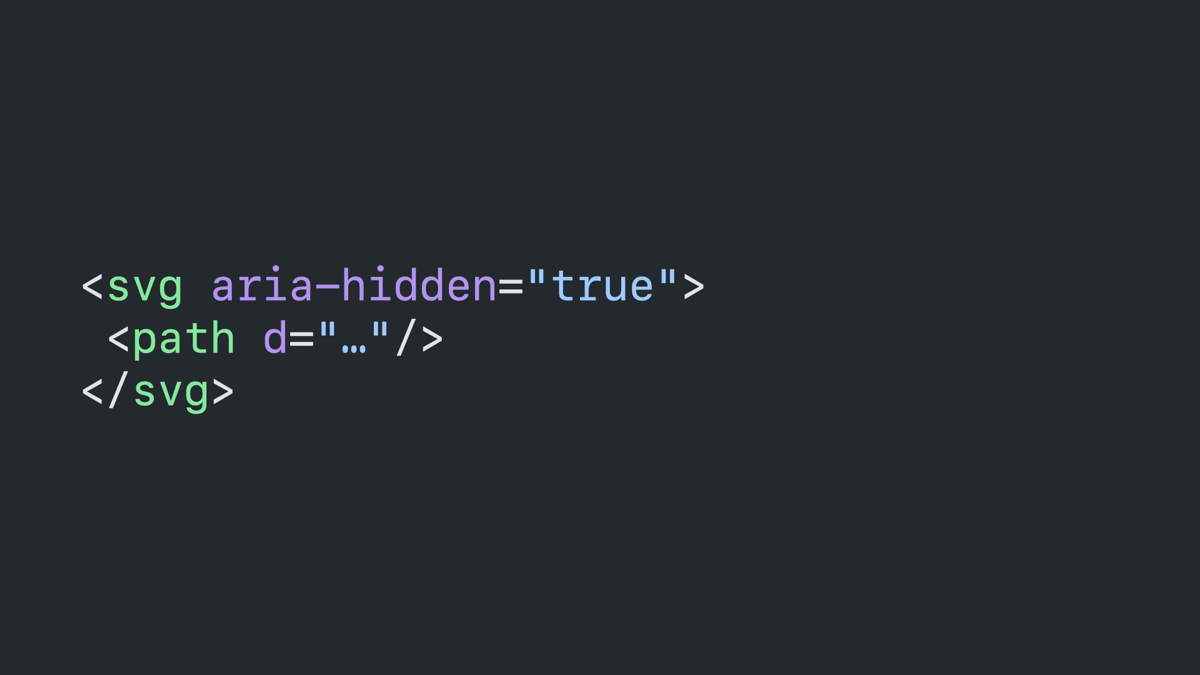
Code block: SVG tag with an aria-hidden attribute set to “true.”
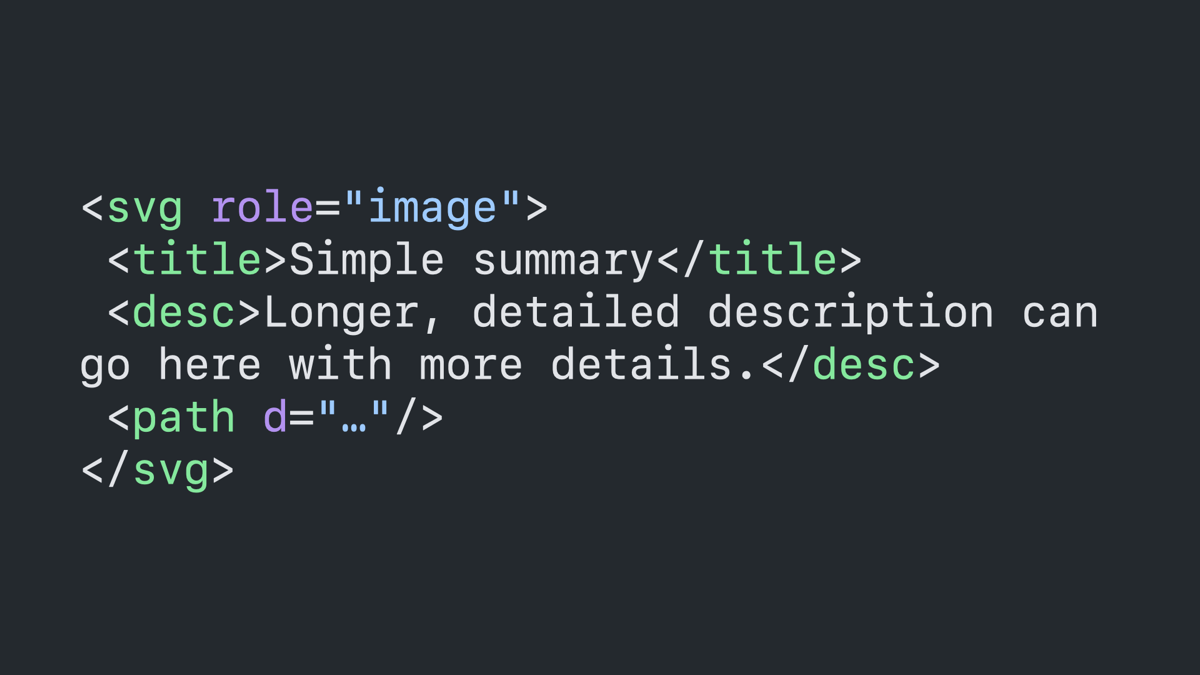
Code block: SVG tag with a role of image. It contains a title tag with the content “simple summary” and a description tag with a longer mock description.
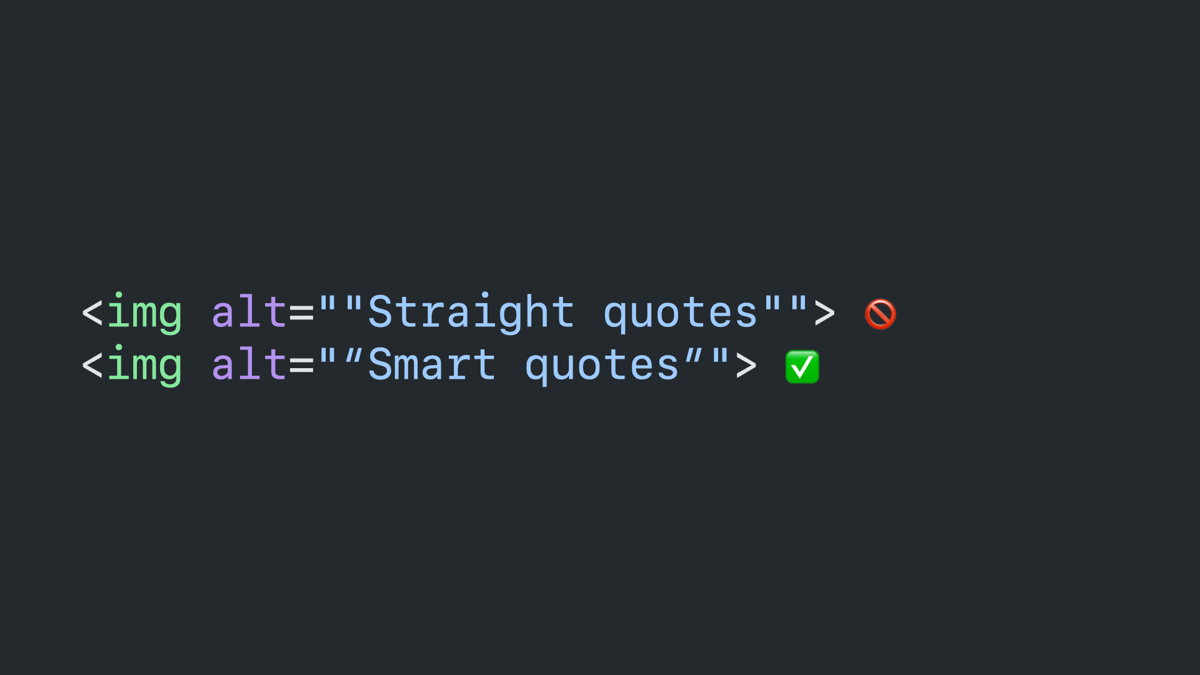
Straight quotes vs smart quotes.
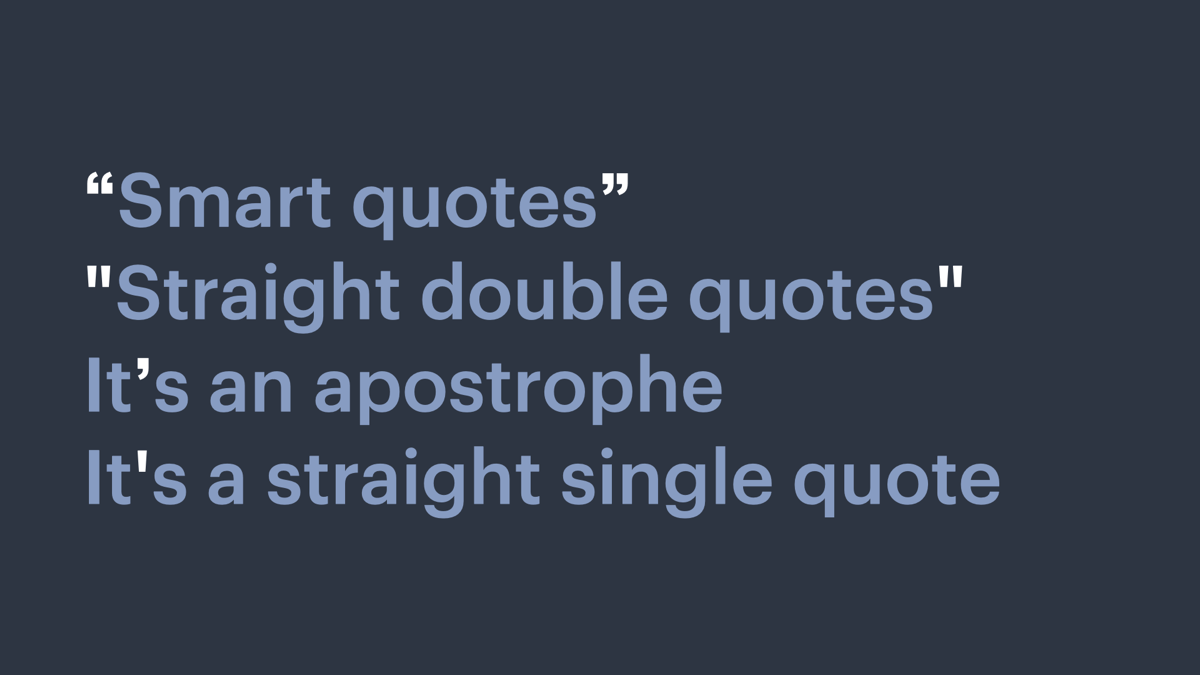
Text showing the difference between straight and smart quotes.
Code block: two image tags. The first has an alt attribute that reads “straight quotes” with straight quotes around it. The second has an alt attribute that reads “smart quotes” with smart quotes around it.
Composition style and depth.
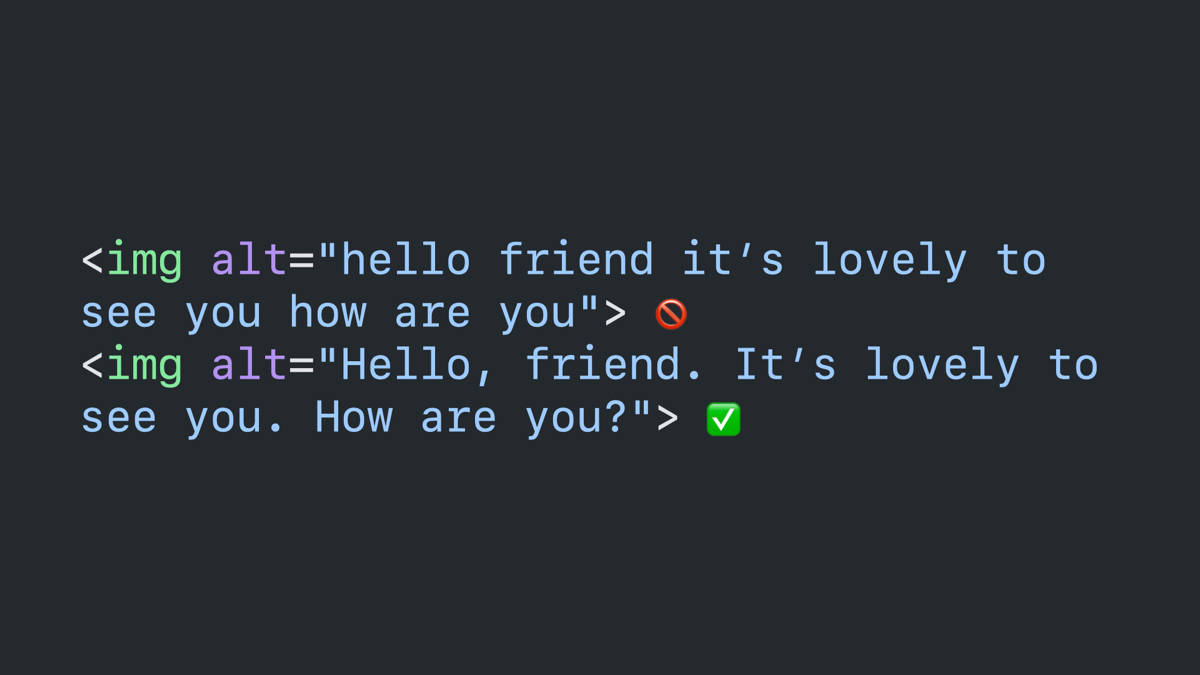
Do: use proper punctuation.
Code block: two image tags with the same text inside their alt attributes. The first is in all lower case with no punctuation, followed by a circle/cross emoji. The second uses sentence case and punctuation, followed by a checkmark emoji.
Do: front load.
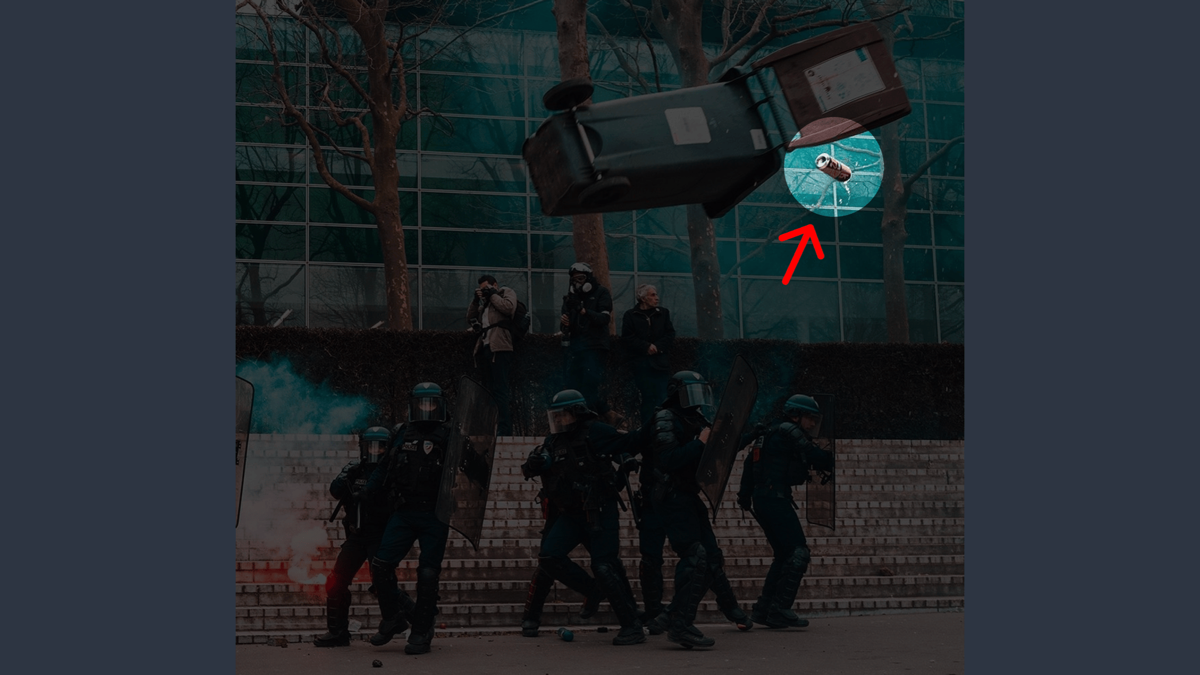
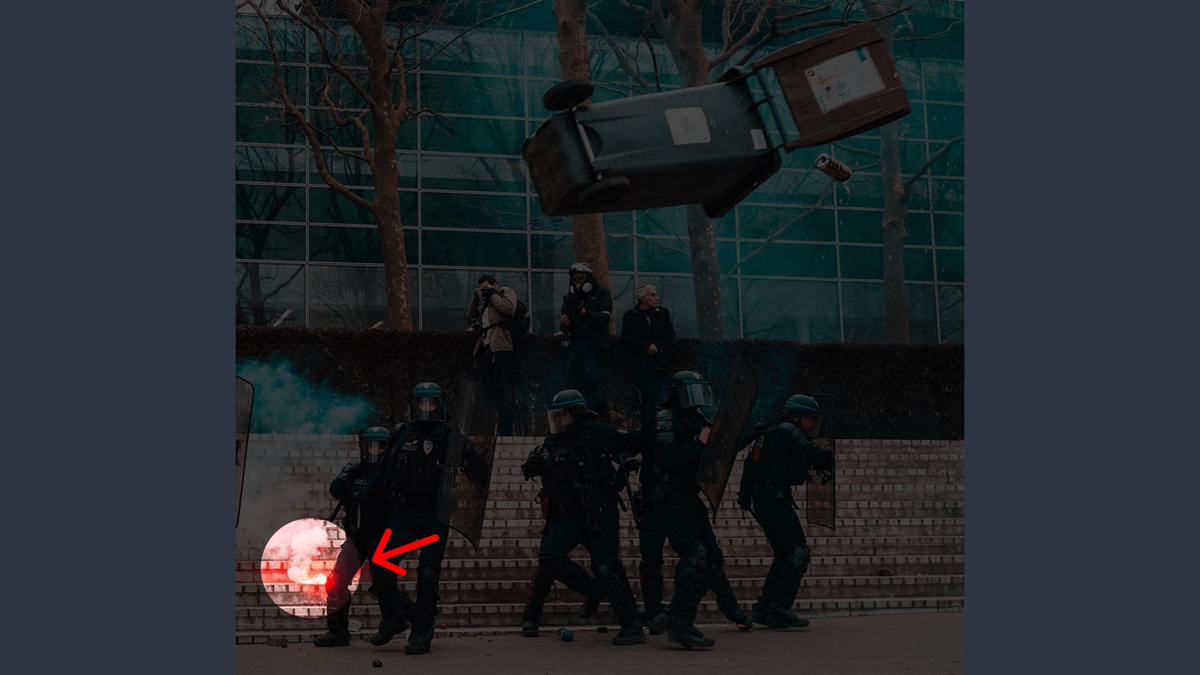
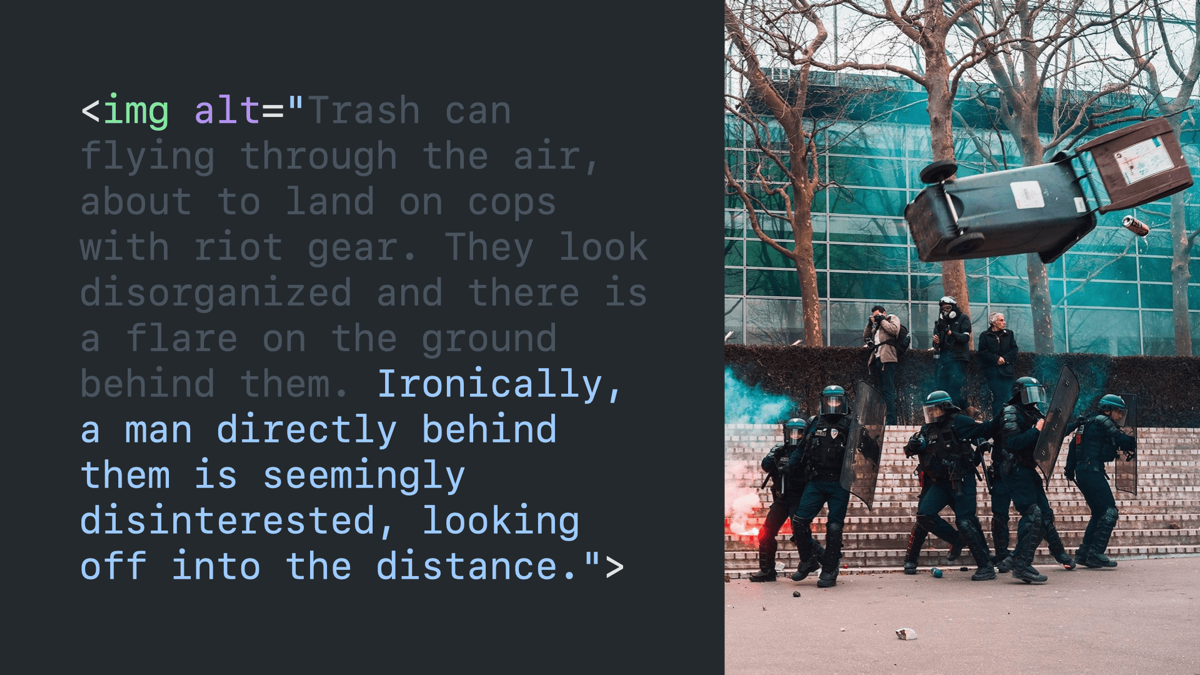
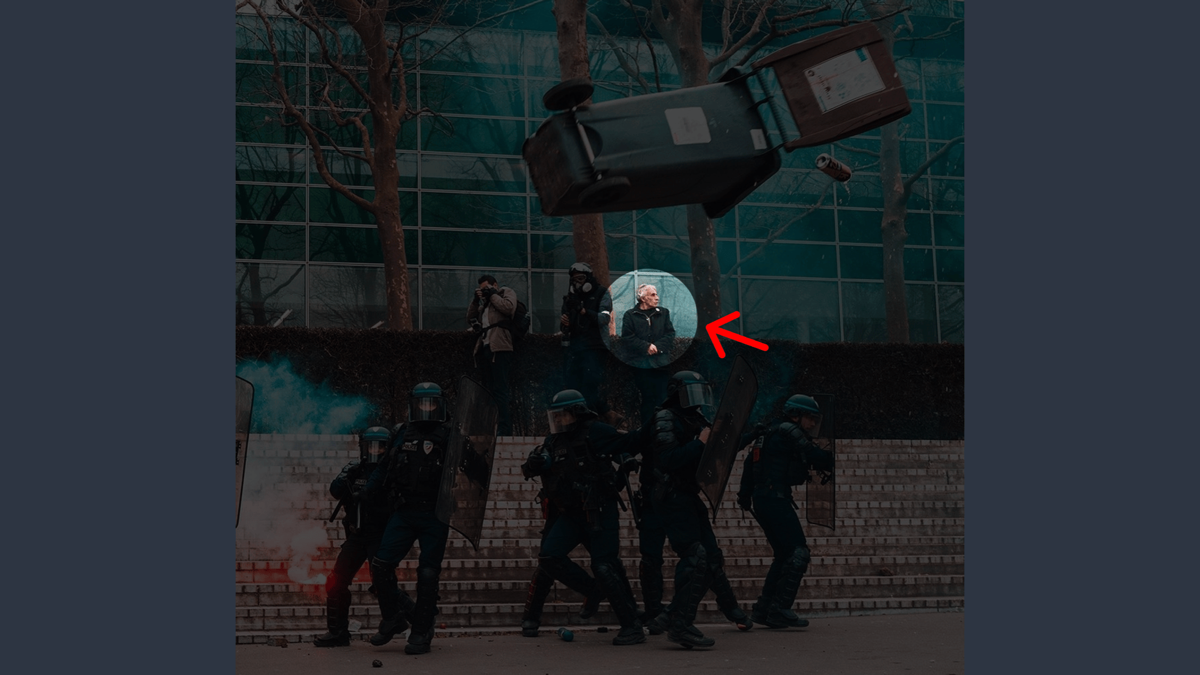
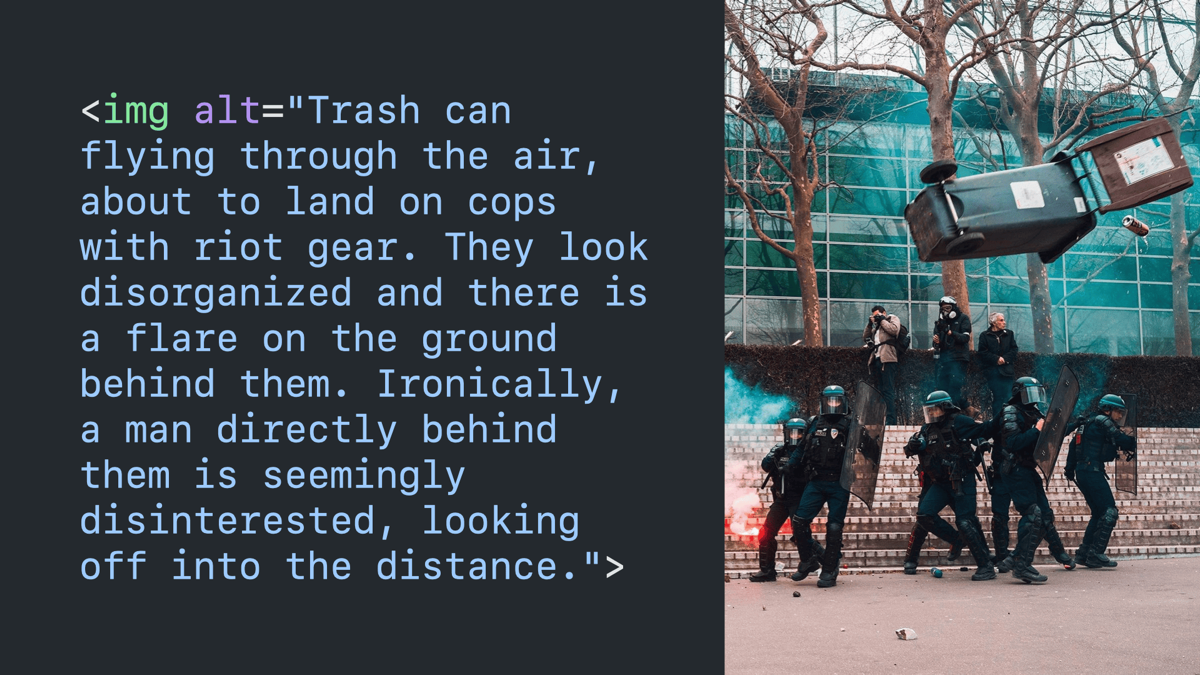
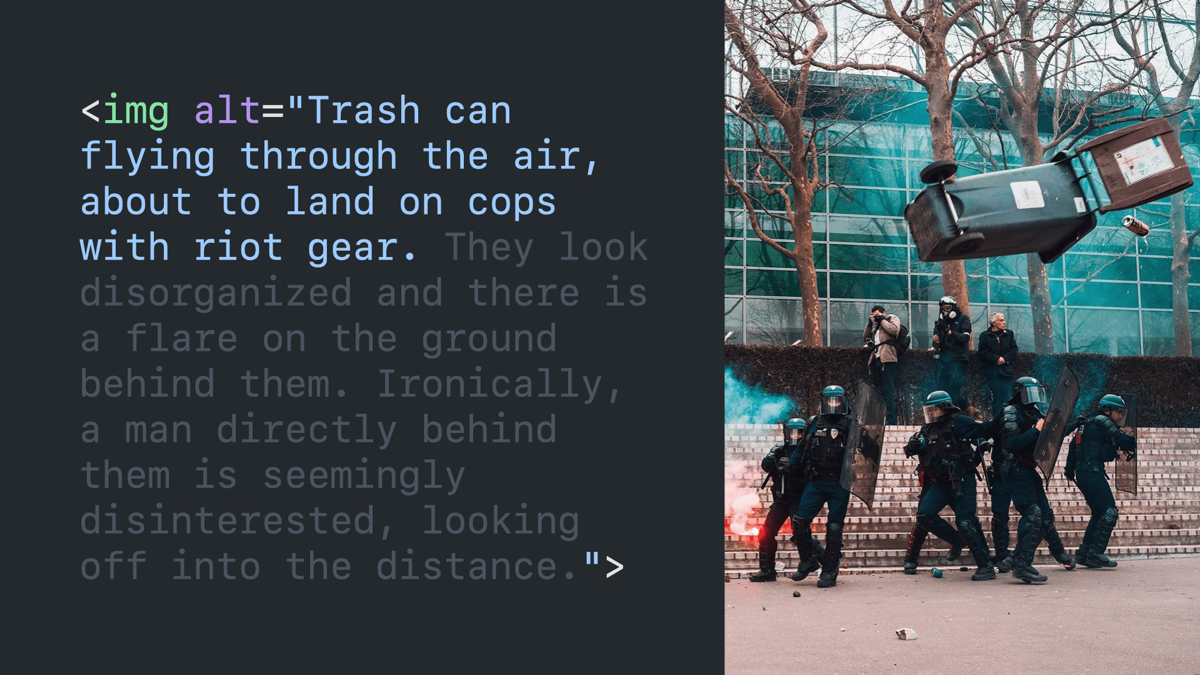
Sample image described in the coming slides. It’s of a trash can flying through the air, about to land on police in riot gear.
The same image highlighting a tin can falling out of the trash can.
The same image highlighting a flare on the ground.
The same image highlighting a guy in the background.
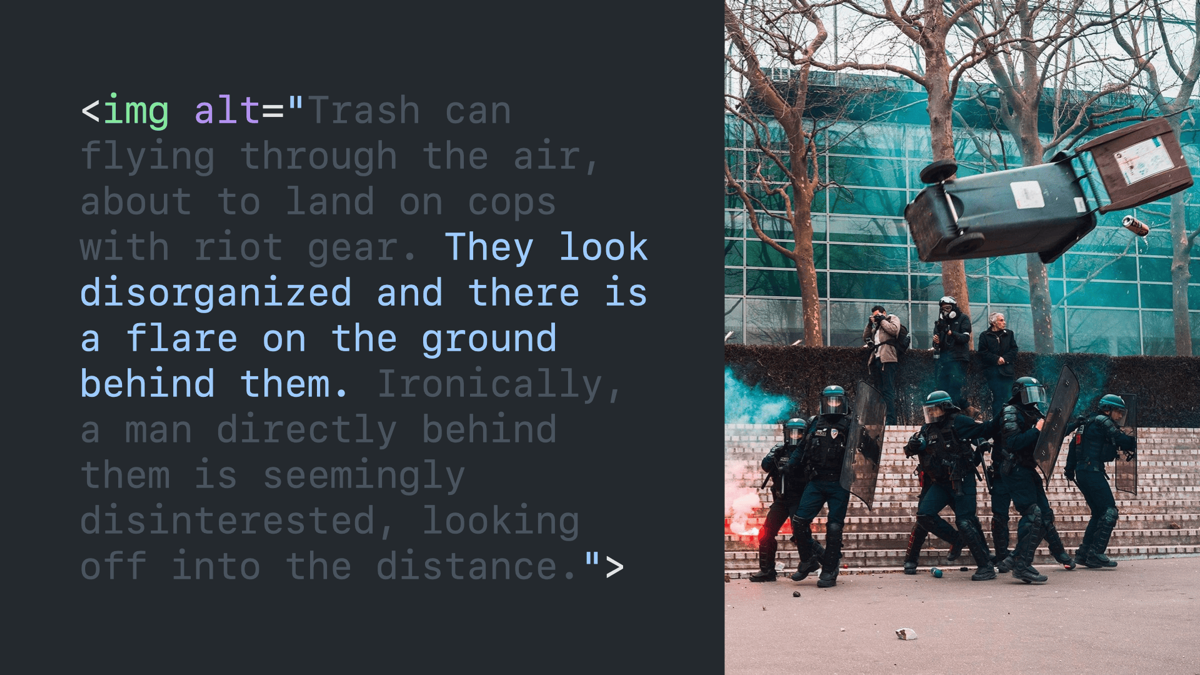
Code block paired with the image. The alt text reads “Trash can flying through the air, about to land on cops with riot gear. They look disorganized and there is a flare on the ground behind them. Ironically, a man directly behind them is seemingly disinterested, looking off into the distance.”
Same code block and image with part of the alt text faded out, leaving only “trash can flying through the air, about to land on cops with riot gear.”
Same code block and image with partially-faded alt text leaving “they look disorganized and there is a flare on the ground behind them.”
Same code block and image with partially-faded alt text leaving “ironically, a man directly behind them is seemingly disinterested, looking off into the distance.”
Do: write for your audience.
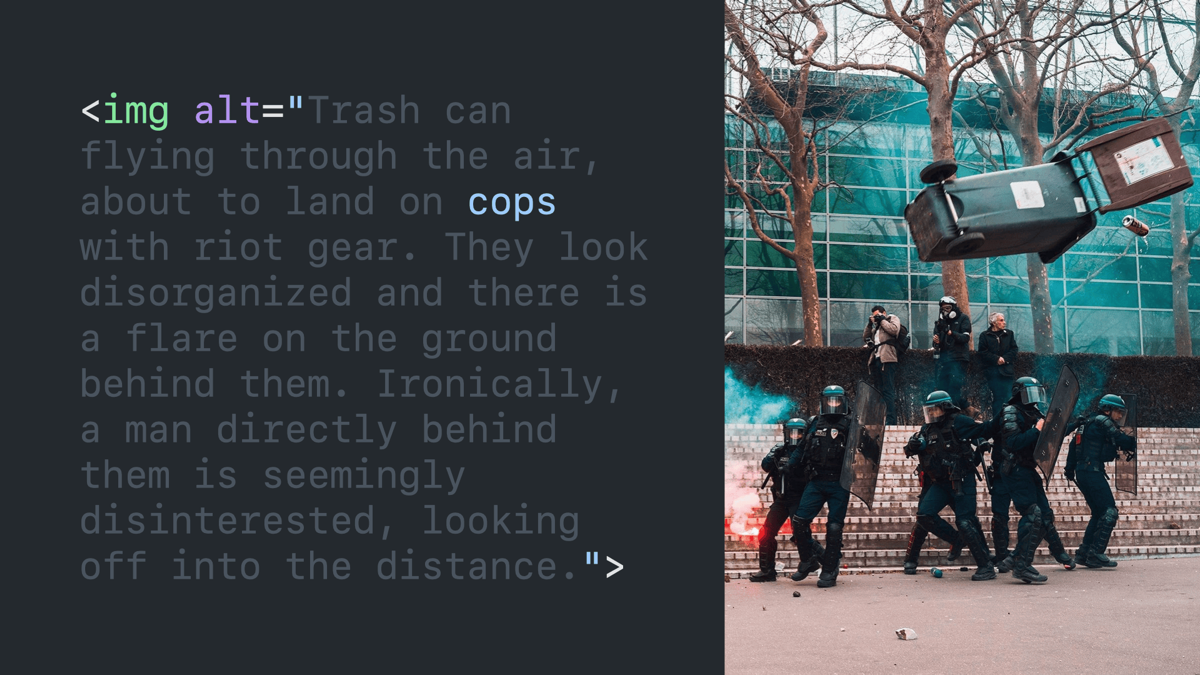
Same image again.
Same code block and image with only the word “cops” highlighted in the alt text.
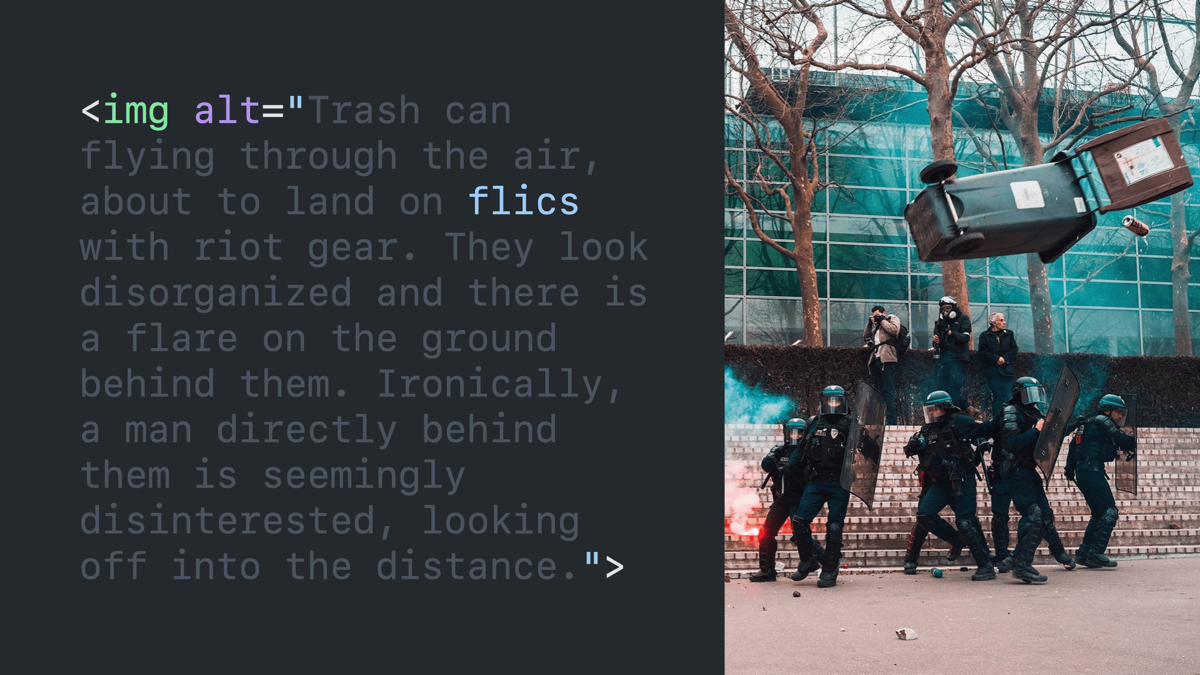
Identical slide, except that the word “cops” has been replaced with “flics.”
Do: be concise.
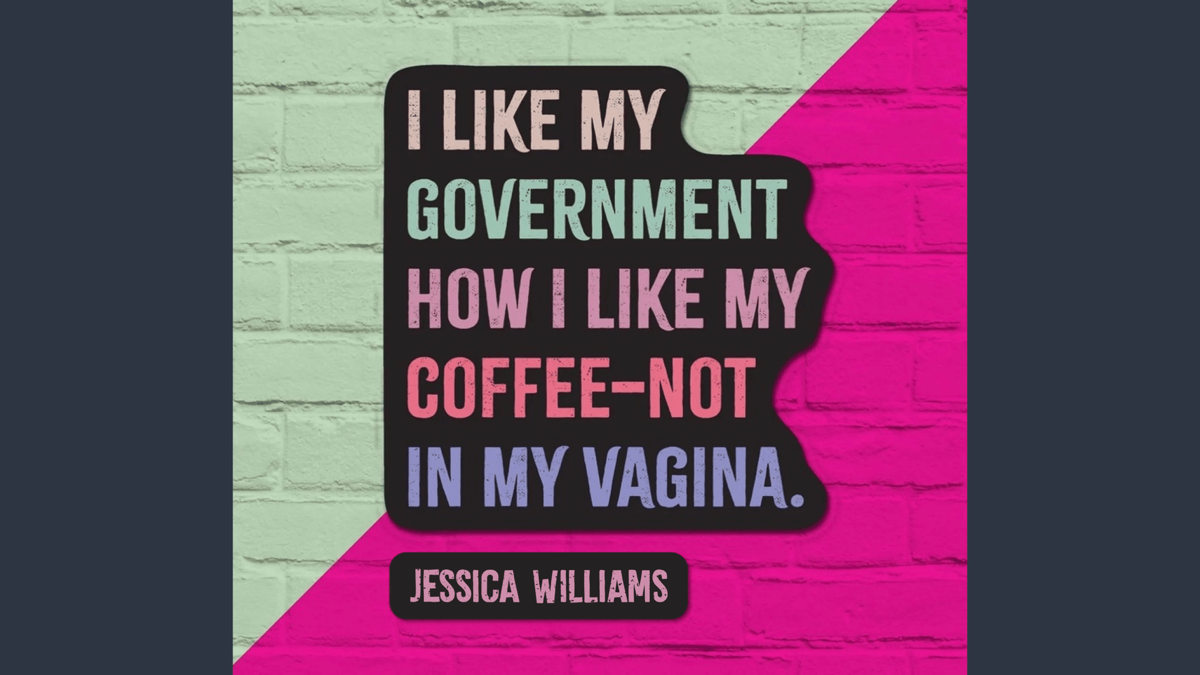
Sample image described in the next slide.
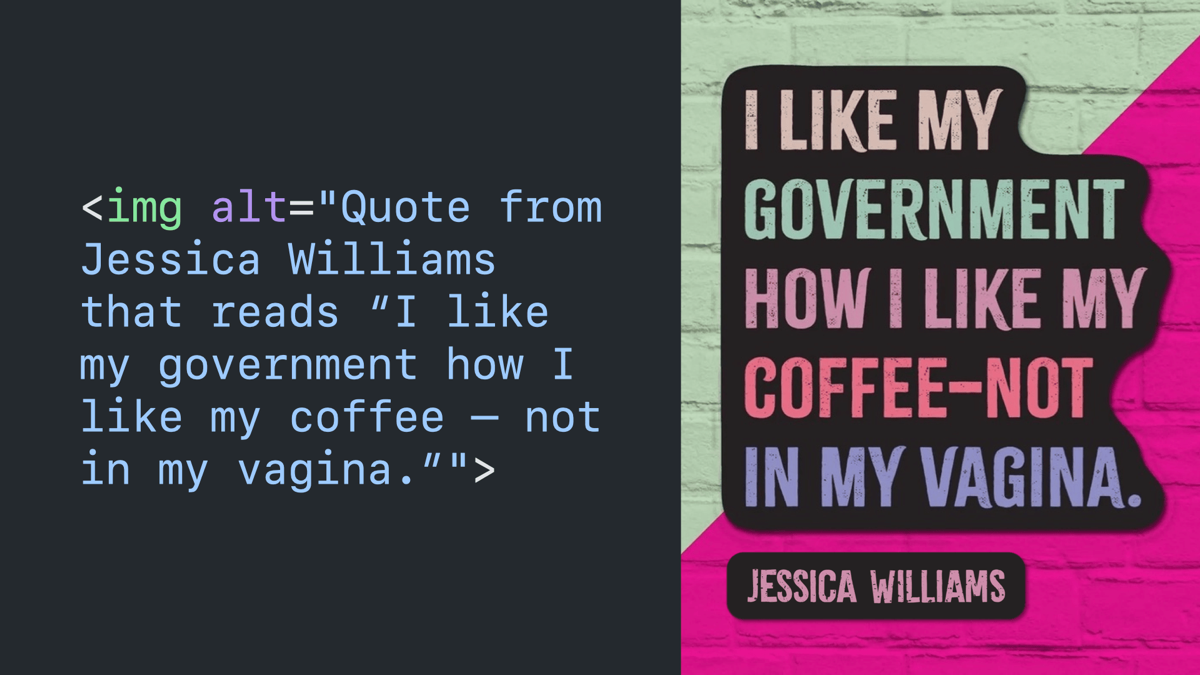
Code block paired with the image it’s describing with an alt attribute that reads “quote from Jessica Williams that reads ‘I like my government how I like my coffee — not in my vagina.‘”
Phonetics.
No two screen readers sound alike.
All screen readers are imperfect.
Do not: try to hack or override pronounciation.
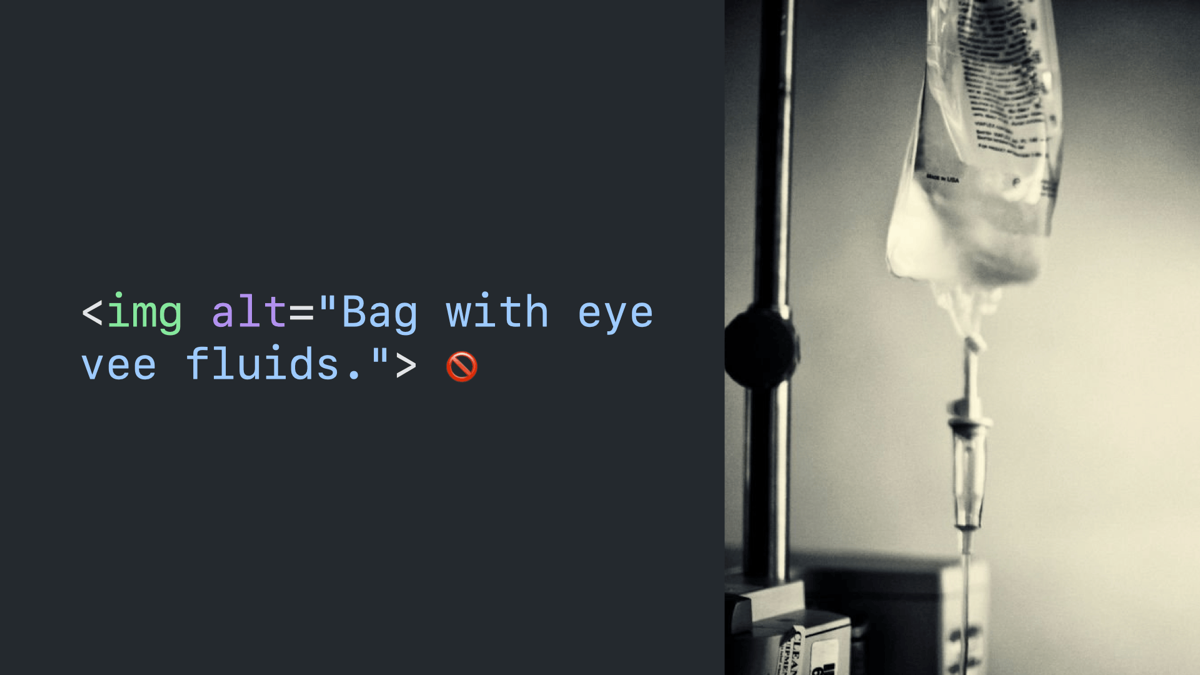
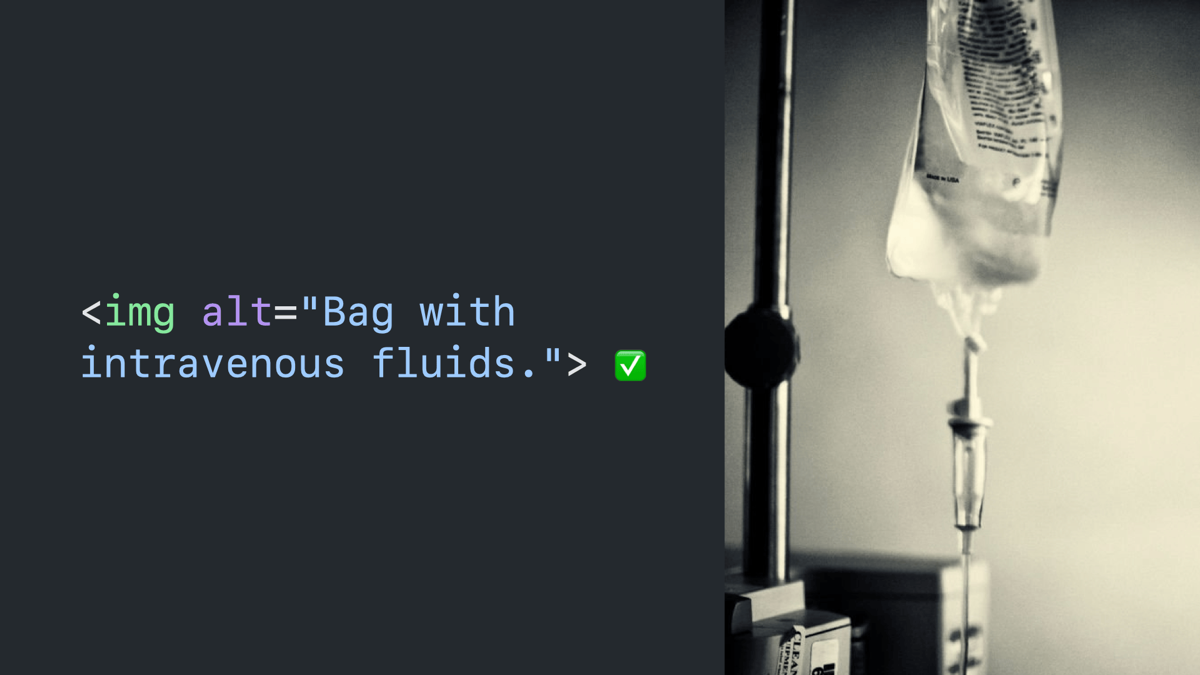
Code block paired with an image it’s describing with an alt attribute that reads “bag with IV fluids,” followed by a cross circle emoji.
Same slide again, but with “IV” replaced by “eye vee.”
Instead: consider alternatives.
Same slide again, but with “IV” replaced by “intravenous,” followed by a checkmark emoji.
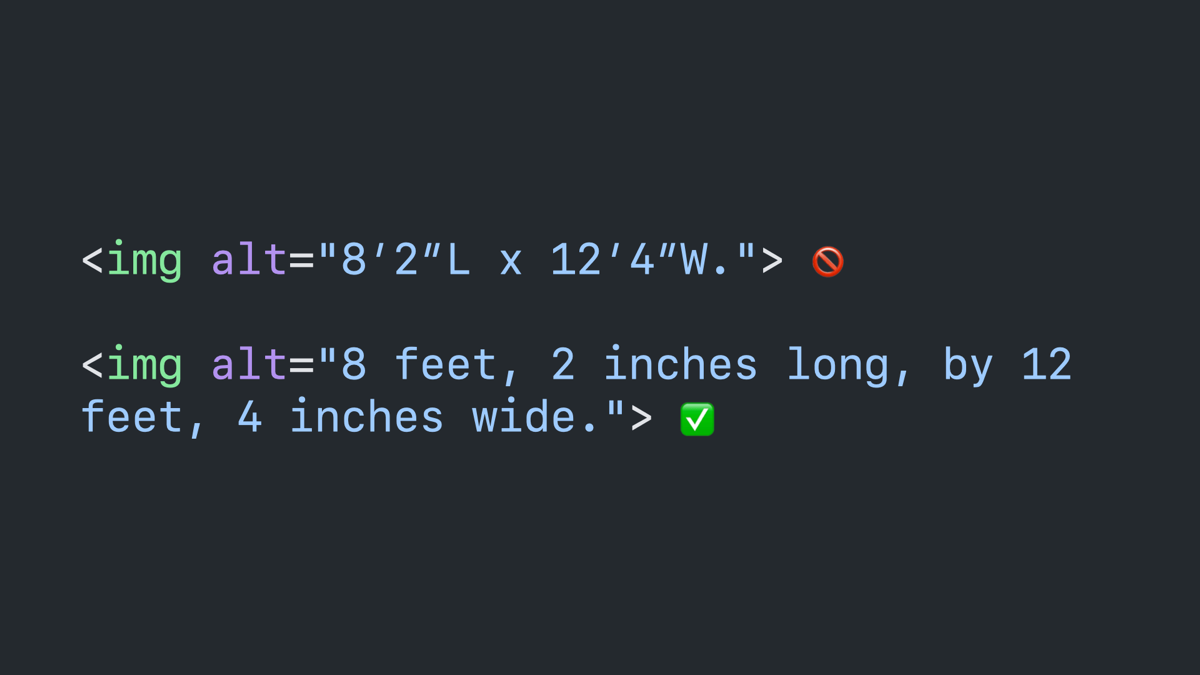
Code block: image with an alt attribute that reads “8′2″L x 12′4″W” followed by a cross circle emoji. And another that reads “8 feet, 2 inches long, by 12 feet, 4 inches wide,” followed by a checkmark emoji.
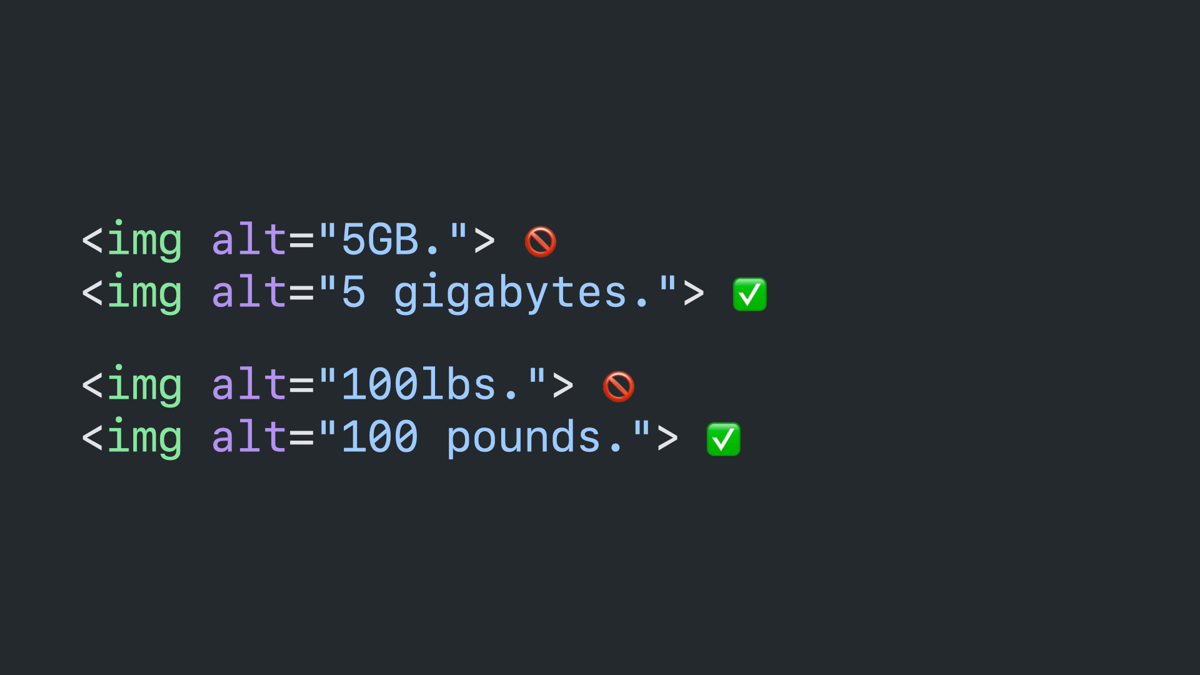
Code block: four image tags with alt attributes. The first reads “5GB,” followed by a cross circle emoji. The second reads “5 gigabytes,” followed by a checkmark emoji. The third reads “100lbs,” followed by a cross circle emoji. The fourth reads “100 pounds,” followed by a checkmark emoji.
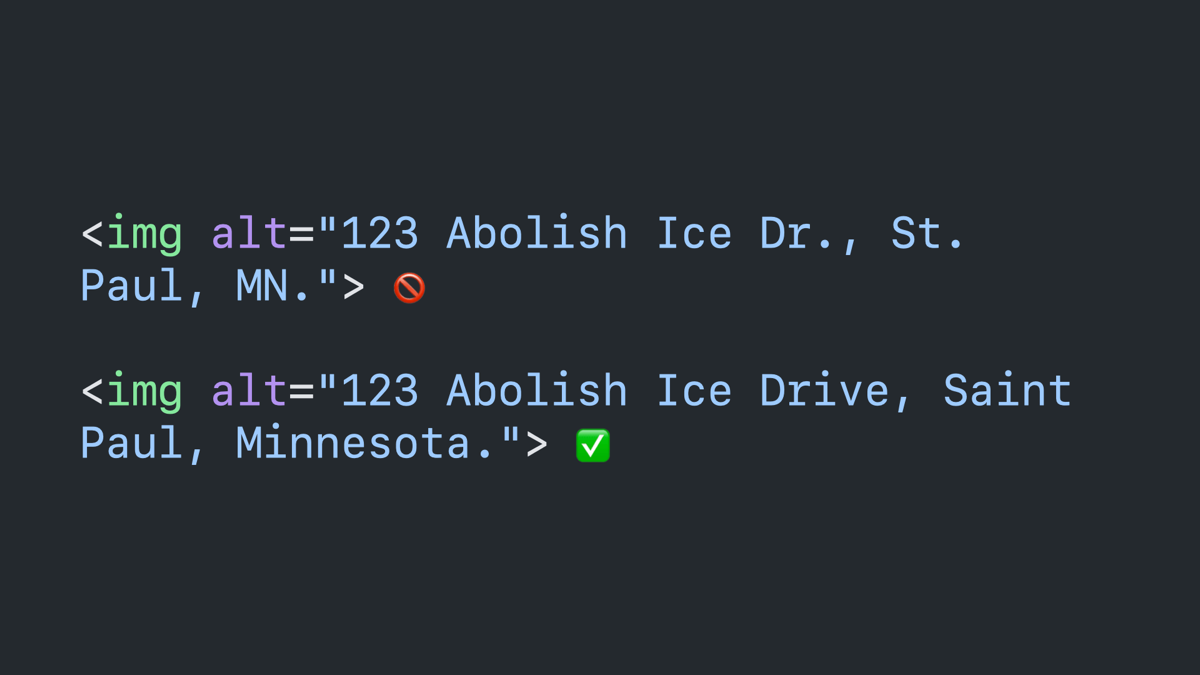
Code block: an image tag with an alt attribute that reads “123 Abolish Ice Dr., St. Paul, MN,” followed by a cross circle emoji. And a second that reads 123 Abolish Ice Drive, Saint Paul, Minnesota,” followed by a chekmark emoji.
Social media.
Do not: assume “a11y” trends are actual accessibility.”
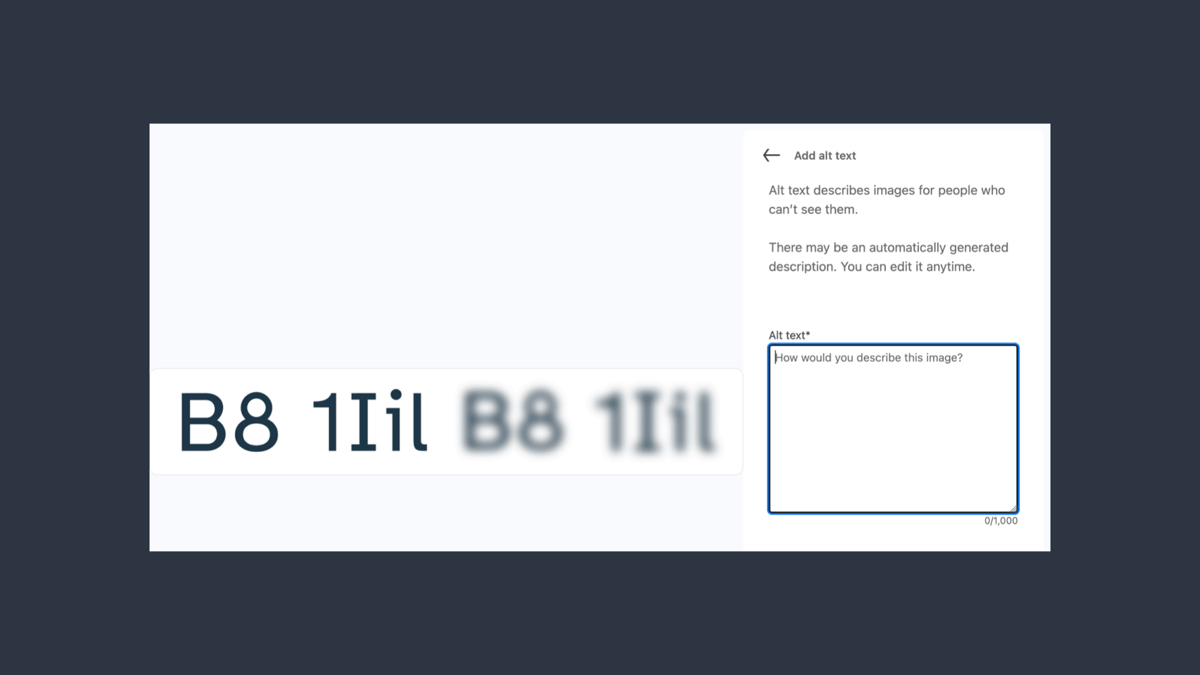
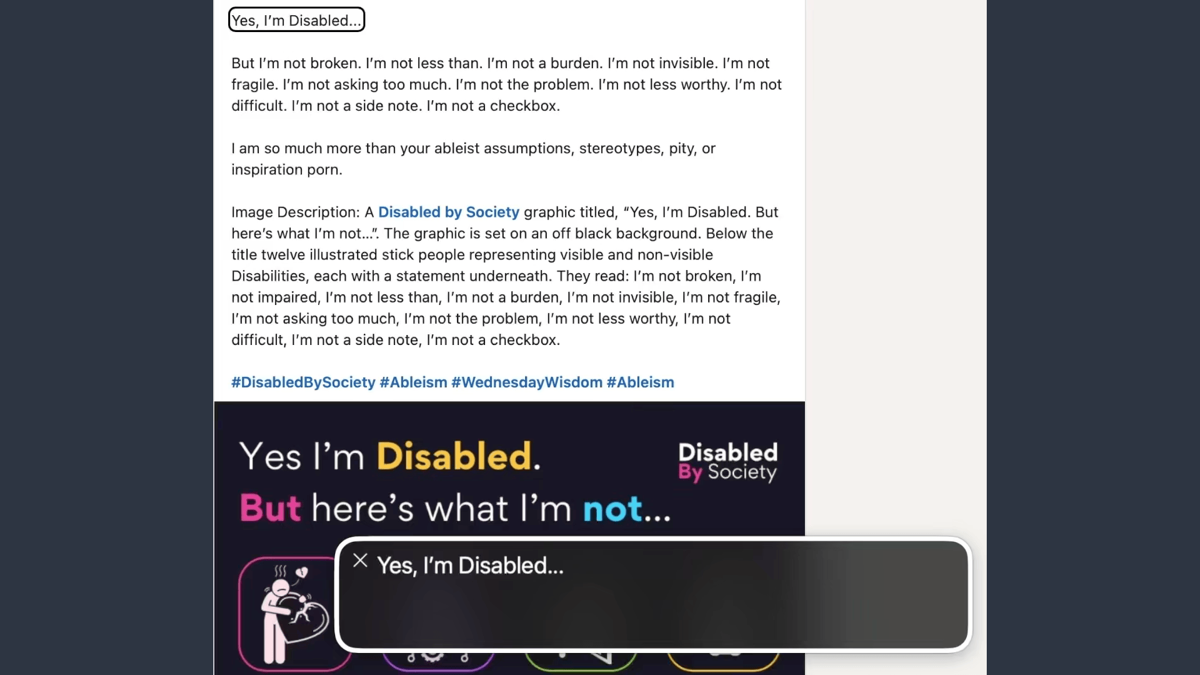
The LinkedIn form for posting an image with the alt text input.
A LinkedIn post with the same content in the post, in a fake image description appending the post, and again as the actual alt text for the image.
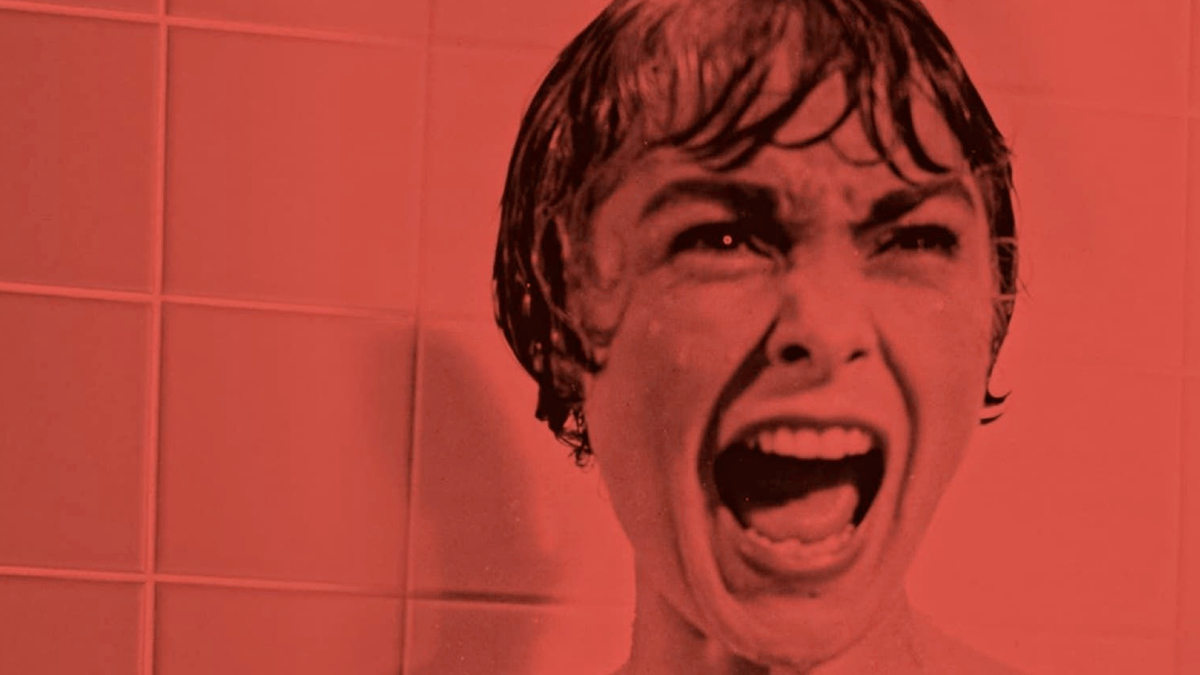
Still frame from the movie Psycho of a woman screaming in terror.
Do not: replace mid-sentence words with hashtags.
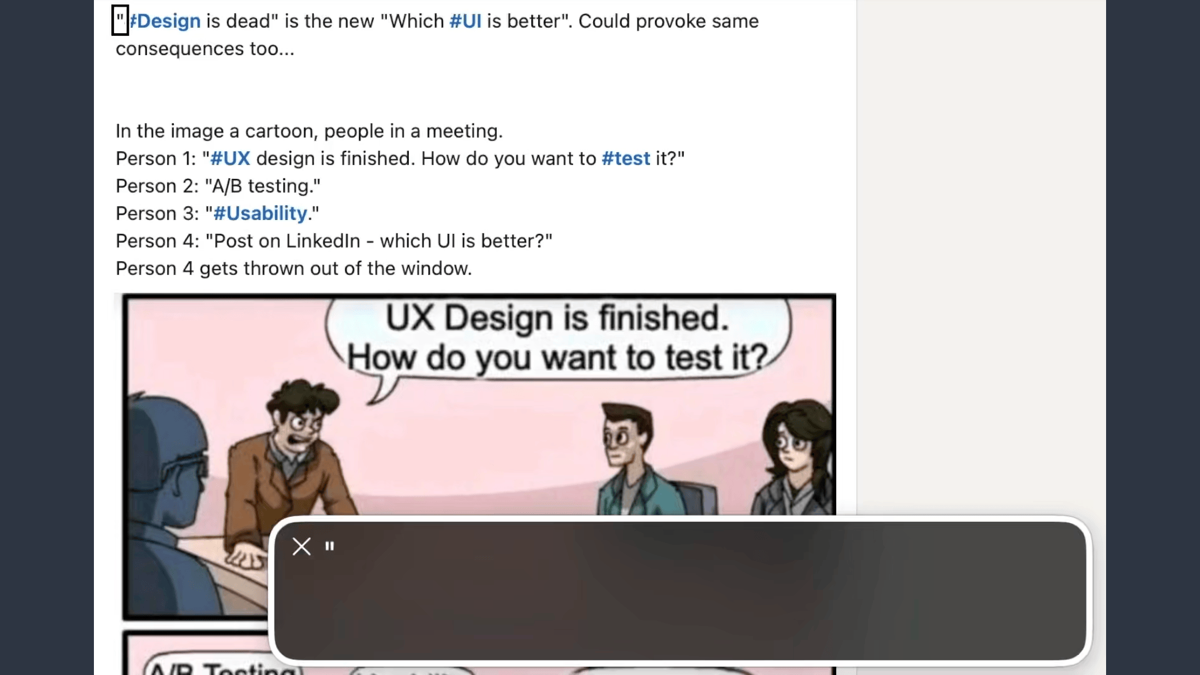
A LinkedIn post with text content and a fake image description, both littered with hashtags mid sentence.
Side note, while you’re there: hashtags*.
*I know, I know. This isn’t alt text. Calm down. It’s important.
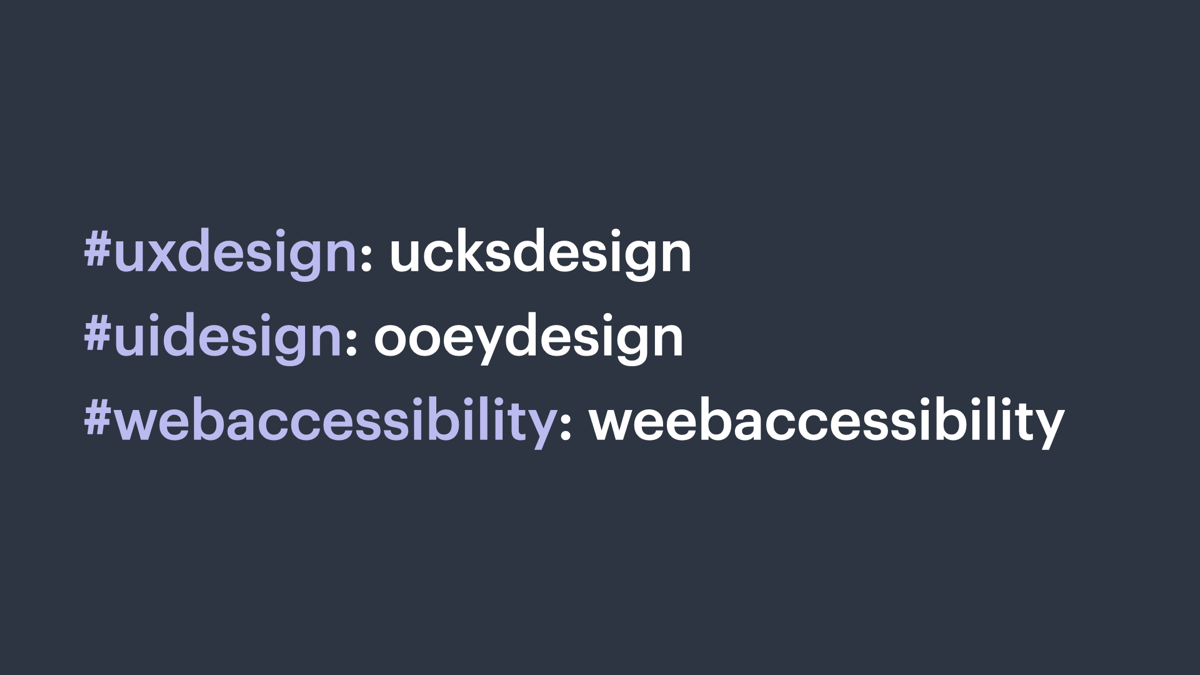
Three hashtags, all lowercase: uxdesign, uidesign, webaccessibility.
The same hashtags, now followed by phonetic versions: ucksdesign, ooeydesign, weebaccessibility.
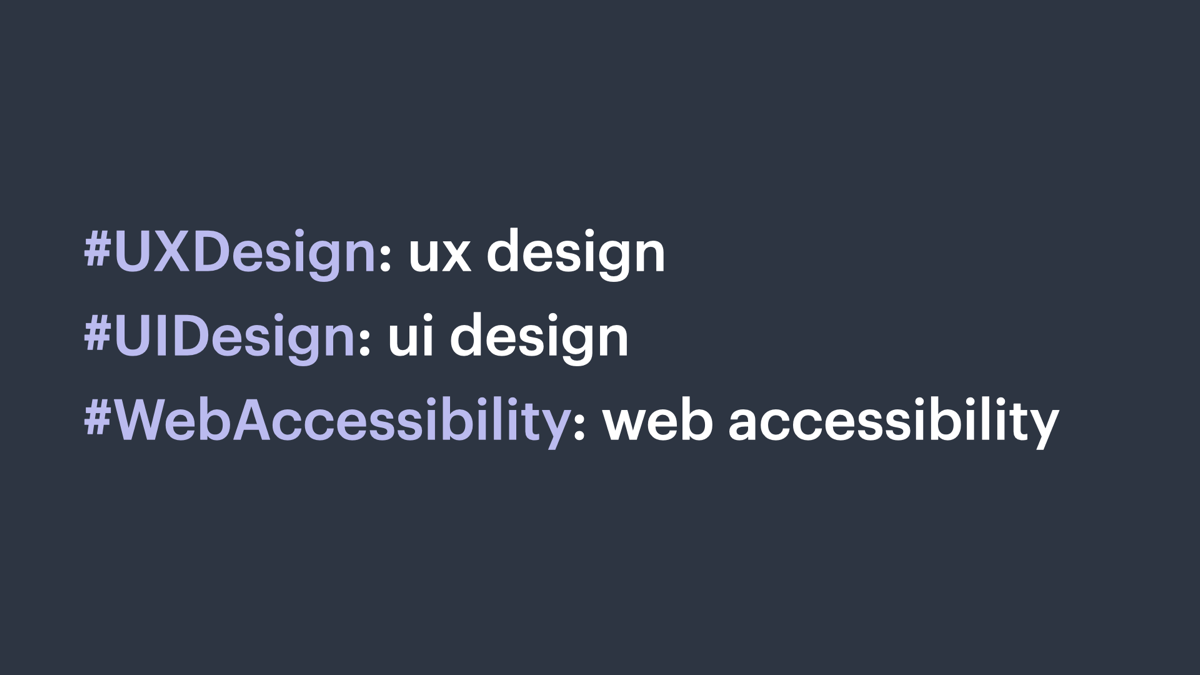
The same three hashtags, this time in camel case.
The same three camel case hashtags followed by the phonetic versions: ux design, ui design, web accessibility.
Video.
Descriptions, captions, and transcriptions.
Benefit non-native speakers and people in quiet spaces.
Do: use transcripts for full recaps.
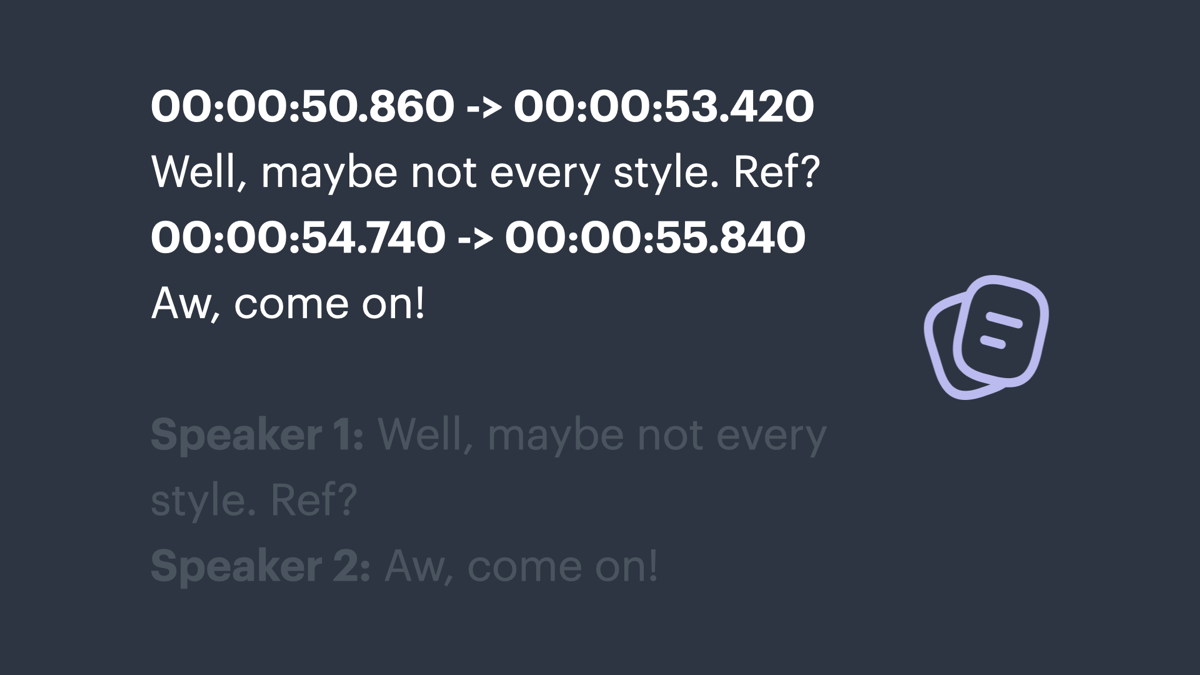
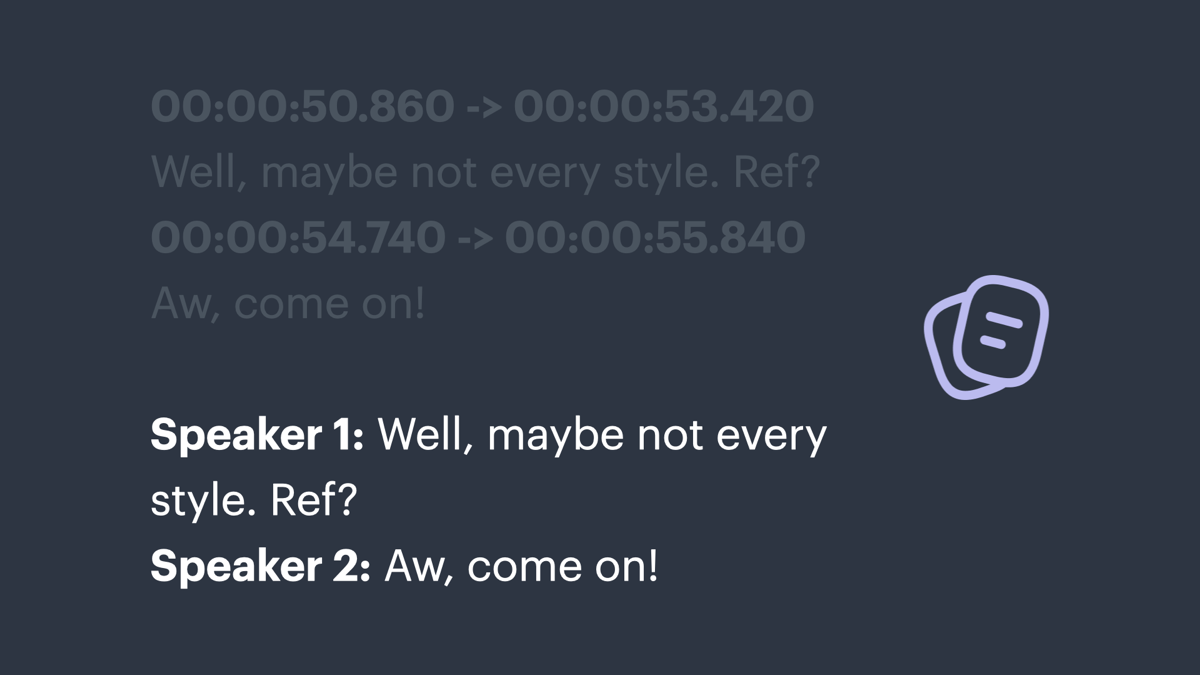
Transcript segment with timestamps.
Transcript segment with speaker labels.
Do: use descriptions and captions for most video.
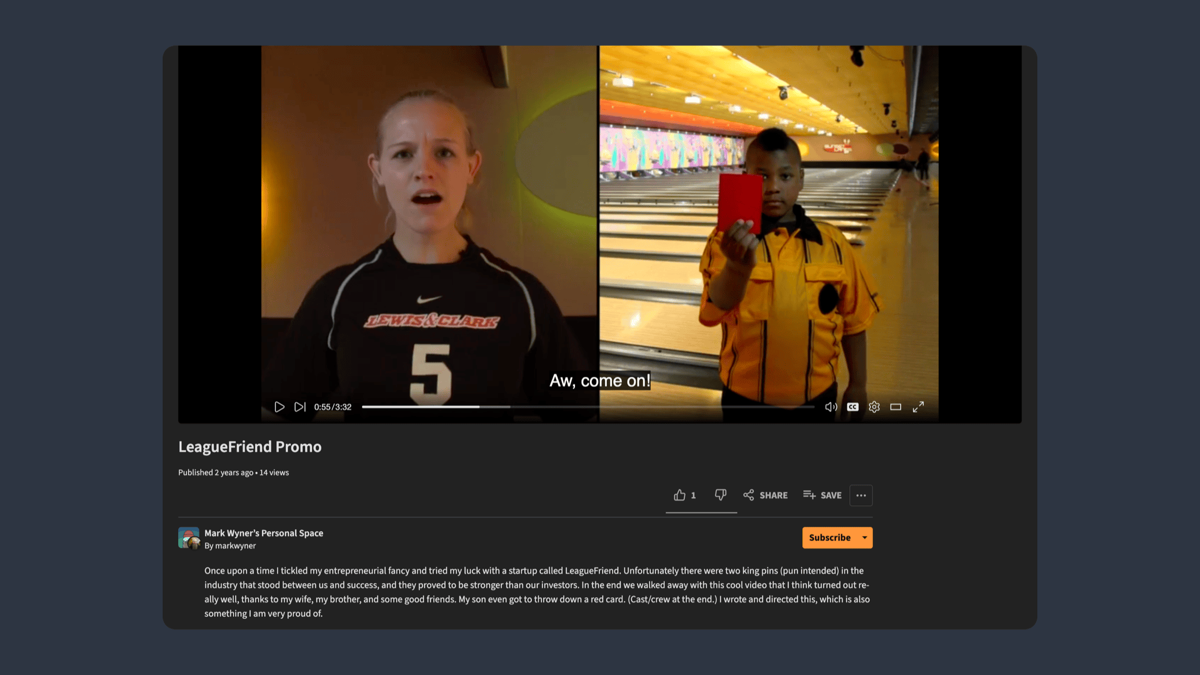
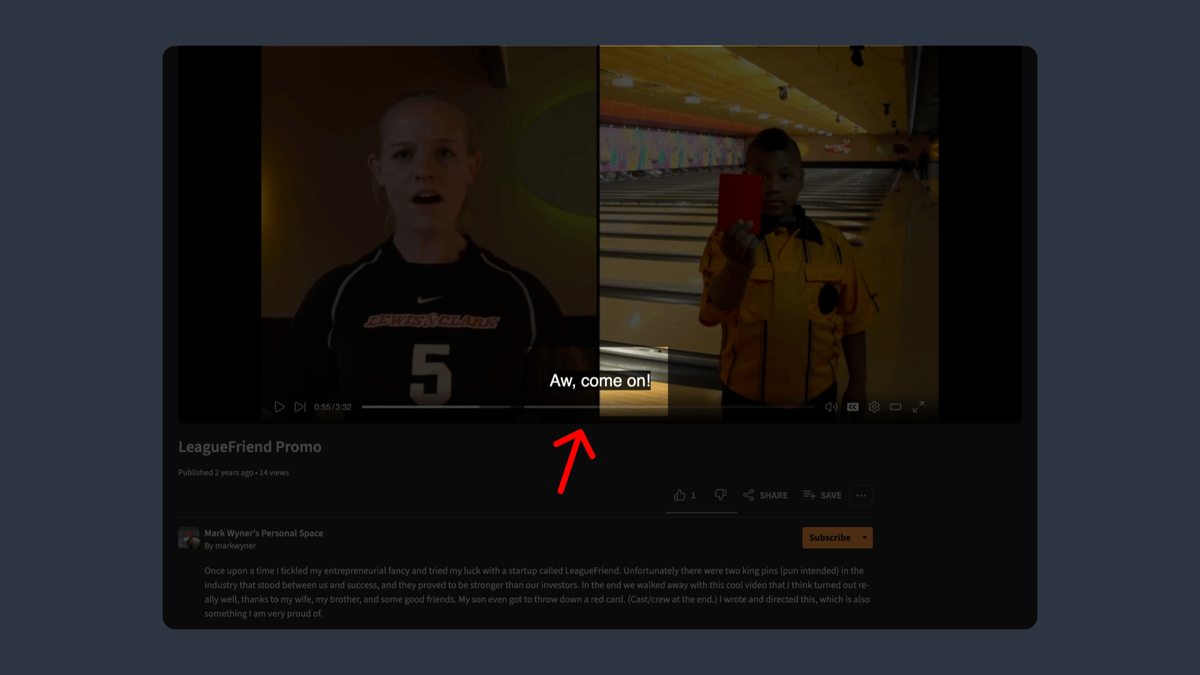
PeerTube video page with a video thumbnail, title, description, and other metadata and buttons.
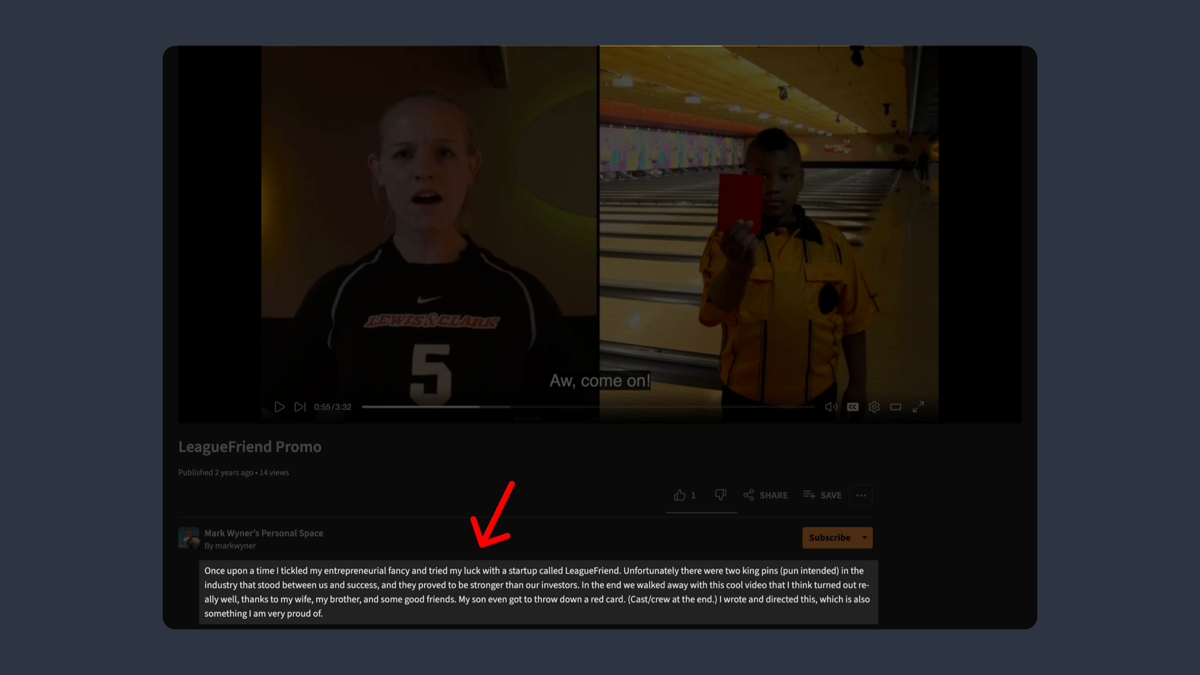
The same page with the description highlighted.
The same page with the overlaid captions highlighted.
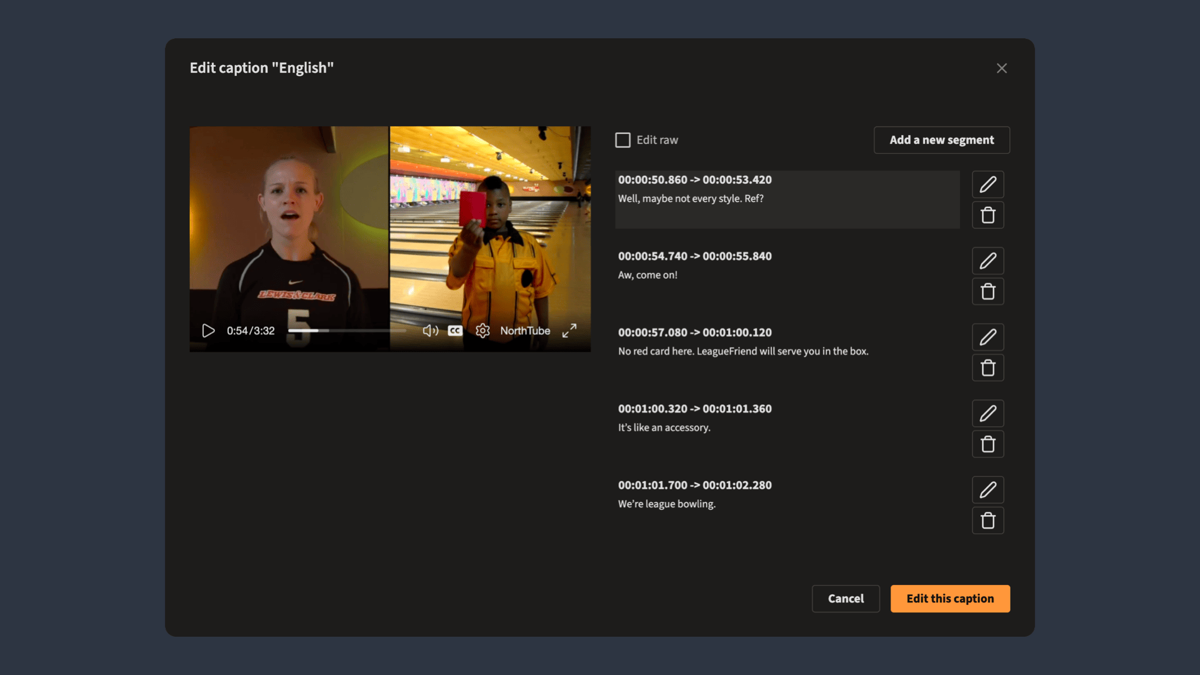
A thumbnail of the video adjacent to a form for editing each caption segment.
Give video and audio the same level of care as images.
In closing.
Alt text is for everyone. Even you.
So use it always. And use it well.
Companion article: markwrites.io/newsletter.
Thank you. Be kind. Be awesome. Fight fascism.
Questions? Maybe I have answers.
Credits and notes: 1. WebAIM survey: webaim.org/projects/screenreadersurvey10. 2. Dutch book design: debestverzorgdeboeken.nl. 3. The Runaways: Michael Ochs. 4. France flics with trash can: Benjamin Guillot-Moueix. 5. Woman screaming: scene from Psycho. 6. All other images and illustrations unknown or by Mark Wyner.